If you want your business to look professional from the first email, you need a custom business email address — one that uses your own domain name instead of a generic provider. Knowing how to get custom business email is essential for any business operating online, whether you are a freelancer, a startup, or an established company in the UAE.
In this guide, you will learn exactly how to set up a custom business email address step by step, how to connect it to Gmail or Outlook, and what to avoid during the process.
Quick Answer: How To Get Custom Business Email?
To get a custom business email, you need a domain name, an email hosting service, and access to your DNS settings. After connecting your domain to a business email provider, you can create professional email addresses such as info@yourbusiness.com or sales@yourbusiness.ae and start sending branded emails immediately.
A custom business email helps establish trust, improves brand recognition, and creates a more professional image for your company.

What Do You Need Before Creating a Business Email?
Before setting up your custom business email, make sure you have the following:
- A registered domain name
- Access to your domain DNS settings
- An email hosting solution
- A preferred email platform such as Gmail or Outlook
If you don’t have a domain yet, learn how to choose the best business email domain before creating an email account.
A business email address is a professional email that uses your domain. If you’re new to this concept, you can first understand what is business email address before setting up your own.
| Requirement | Purpose |
|---|---|
| Domain name | Your email identity |
| Email hosting provider | Send & receive emails |
| DNS access | Connect domain to email |
| Gmail or Outlook (optional) | Email interface |
How to Get a Custom Business Email Address Step by Step
The most common question we receive is how to get custom business email — and the answer is simpler than you think. Follow these steps to complete the setup process.
Step 1: Register Your Domain Name
Your domain name will become part of your email address.
Examples:
- info@yourbusiness.com
- support@yourbusiness.ae
- sales@yourcompany.net
Choose a domain that matches your business name and is easy for customers to remember.
Step 2: Select an Email Hosting Solution
Once your domain is ready, you need an email hosting provider. Most businesses choose one of the following options:
- Business Email Hosting
- Google Workspace
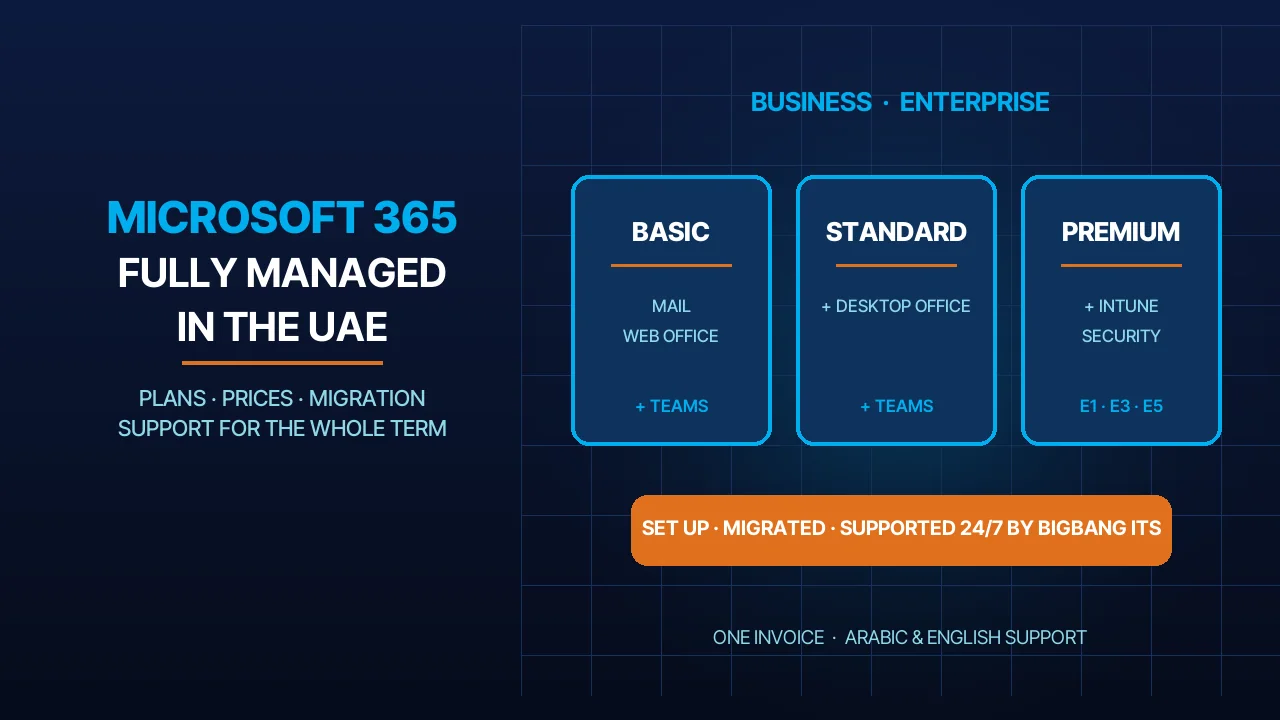
- Microsoft 365
Your provider will manage email delivery, storage, and security. Not sure which provider fits your needs? Read our guide on What Is the Best Email Service for Small Business to compare your options.
At its.ae, we offer business email hosting plans that include Microsoft 365 and cPanel email — both fully managed and ready to connect to your domain.
Step 3: Verify Domain Ownership
Most email providers require domain verification before activation. This usually involves adding a TXT record to your DNS settings.
Step 4: Configure MX Records
MX records tell the internet where incoming emails should be delivered. Without properly configured MX records, your business email will not work correctly.
Step 5: Create Your Mailbox
Once verification is complete, create your first mailbox. Examples include:
- info@yourbusiness.com
- sales@yourbusiness.com
- support@yourbusiness.com
Step 6: Test Your Email
Send and receive several test emails to confirm that your email account is functioning correctly.
If you need a more detailed walkthrough, read our How to Make a Company Email guide, which explains each step of creating a professional email address using your own domain.
Common Mistakes to Avoid When Setting Up Business Email
- Using a personal Gmail instead of a domain email
- Incorrect MX records configuration
- Forgetting SPF, DKIM, and DMARC setup
- Using weak passwords
- Not testing email delivery after setup
How to Make a Custom Business Email
Many users search for how to make custom business email accounts for their companies. The process is simple:
- Purchase a domain.
- Choose an email provider.
- Connect the domain.
- Configure DNS records.
- Create your mailbox.
After these steps, your business email is ready for daily communication.
How to Make a Custom Company Email or Work Email
Whether you need a custom company email for a registered business or a custom work email for a remote team, the setup process is the same. Choose a domain that represents your company, select an email hosting plan, and create individual mailboxes for each team member such as name@yourcompany.com or role@yourcompany.ae.
How to Get a Custom Business Email Domain
A custom business email domain is the domain name that appears after the @ symbol in your email address. For example:
- yourbusiness.com
- yourbusiness.ae
- yourcompany.net
To get a custom business email domain:
- Search for an available domain.
- Register the domain.
- Connect it to your email provider.
- Create your email addresses.
How to Create a Business Email in Gmail
Many businesses prefer Gmail business email because of its familiar interface and productivity features. To create a business email in Gmail:
- Sign up for a business email solution that supports Gmail.
- Connect your domain.
- Verify domain ownership.
- Configure DNS records.
- Log in to Gmail using your business email account.
Once setup is complete, you can send and receive emails through Gmail while using your own domain name. If you are switching from cPanel email, Outlook, Exchange, or another email provider, you can Transfer Email to Google Workspace without losing your existing messages, contacts, or folders, making the transition to Gmail seamless.
How to Get Custom Business Email in Gmail
If you already have a domain, you can connect it to Gmail and start using professional email addresses. Benefits include:
- Familiar Gmail interface
- Mobile access
- Spam protection
- Calendar integration
- Cloud-based email management
This option is popular among startups and small businesses. Before choosing a plan, compare Google business email pricing to find the right tier for your team size and budget.
How to Get Custom Business Email for Free
Many business owners wonder how to get custom business email without spending a lot. It is possible, but there are limitations.
Some hosting providers include free email accounts with their hosting plans, making it possible to get a free business email with domain registration. This means if you purchase a domain and hosting package together, you may receive email accounts at no additional cost.
Free solutions can work for very small businesses but may lack the security, support, and reliability needed for long-term growth.
Free vs Paid Business Email (Which Is Better?)
| Option | Pros | Cons |
|---|---|---|
| Free email (hosting bundle) | Low cost, basic setup | Limited security & storage |
| Google Workspace | Professional, secure, scalable | Paid monthly |
| Microsoft 365 | Enterprise features | Slight learning curve |
How to Create Your Own Email Domain Free
Creating your own email domain completely free is difficult because domain registration itself usually requires payment. However, some providers offer:
- Free trials
- Free subdomains
- Free email accounts bundled with hosting
For professional use, owning your own domain is generally the better option.
Gmail for Business Free: Is It Really Possible?
Many people search for Gmail for business free solutions. While Gmail offers free personal accounts, using Gmail with your own business domain requires a paid Google Workspace subscription (Business Starter includes 30 GB of pooled storage per user, Business Standard 2 TB and Business Plus 5 TB). Free alternatives may exist, but they often include:
- Limited storage
- Reduced security
- Limited support
- Fewer business features
Businesses that depend on email communication usually benefit from professional solutions.
Get Custom Business Email Using YourBusiness.com With Outlook
Outlook can also be used to get a custom business email with your own domain. The setup process includes:
- Connecting your domain to your email provider.
- Configuring DNS records.
- Adding your mailbox to Outlook.
- Synchronizing your email across devices.
This allows you to use Outlook while maintaining a professional branded email address.
How to Make a Personalized Business Email
A personalized business email reflects your company branding and communication style. Examples include:
- john@yourbusiness.com
- marketing@yourbusiness.com
- partnerships@yourbusiness.com
Using personalized email addresses helps improve customer trust and makes communication more professional.
How to Customize Business Email Settings
After creating your email account, you can customize several settings:
- Email signatures
- Profile photos
- Automatic replies
- Forwarding rules
- Spam filters
- Security settings
Customizing these features improves productivity and creates a more professional experience.
Common Mistakes When Setting Up Business Email
Avoid these common setup mistakes:
Using Personal Email Accounts
A personal email address can make your business appear less professional. To understand why businesses choose domain-based email instead, read our guide on Difference Between Business Email and Personal Email.
Incorrect MX Records
Misconfigured MX records can prevent email delivery.
Missing Email Authentication
Always configure:
- SPF
- DKIM
- DMARC
These records improve security and email deliverability; Google now requires SPF or DKIM from every sender to Gmail, and all three from anyone sending more than 5,000 messages a day.
Weak Passwords
Use strong passwords and enable two-factor authentication whenever possible.
Gmail vs Outlook for Business Email
| Feature | Gmail (Google Workspace) | Outlook (Microsoft 365) |
|---|---|---|
| Ease of use | Very easy | Moderate |
| Tools integration | Google Drive, Docs | Word, Excel, Teams |
| Best for | Startups | Enterprises |
| Pricing | Medium | Medium |
Conclusion
Learning how to get custom business email is one of the most important steps toward building a professional online presence. By registering a domain, choosing the right email service for small business, and configuring your settings correctly, you can create a branded email address that improves credibility, strengthens your business identity, and supports long-term growth.
At its.ae, we help UAE businesses set up professional email addresses with full DNS configuration support, so you can get started without technical headaches.
Sources
- Google Workspace — Pricing and plan comparison (accessed 2026-10-01)
- Google Workspace Help — Verify your domain (accessed 2026-10-01)
- Google Workspace Help — Set up MX records for Google Workspace (accessed 2026-10-01)
- Google Workspace Help — Email sender guidelines (accessed 2026-10-01)
- Microsoft Learn — Add a domain to Microsoft 365 (accessed 2026-10-01)
- Microsoft Support — Add an email account to Outlook for Windows (accessed 2026-10-01)
- cPanel documentation — Email Accounts (accessed 2026-10-01)
FAQs
Is Google Custom Business Email Free?
No, a Google custom business email is not completely free. While Gmail offers free personal email accounts, using a custom domain such as yourname@yourbusiness.com requires a Google Workspace subscription. Google Workspace provides professional business email, cloud storage, collaboration tools, and advanced security features.
Can I Get a Custom Email for Free?
Yes, it is possible to get a custom email for free in some cases. Certain web hosting providers include free email accounts with their hosting plans, while others offer free trials. However, free solutions often come with limitations such as reduced storage, fewer security features, and limited support.
What Is a Custom Business Email?
A custom business email is a professional email address that uses your own domain name instead of a free email provider’s domain. For example, info@yourbusiness.com is a custom business email, while yourbusiness@gmail.com is a personal email address. Custom business emails help improve credibility, branding, and customer trust.
How Much Does It Cost to Get a Custom Email?
The cost of a custom email depends on the email provider, storage requirements, and included features. Some hosting providers include email accounts with their plans, while premium business email solutions may charge a monthly fee per user. The total cost typically includes domain registration and email hosting services.
Talk to us directly — we usually reply within minutes during business hours.