Head office in Dubai moved to a hosted 3CX, and the staff there use the app without a second thought. The branch in Sharjah is different: 15 desk phones behind the router the internet provider installed. Some register, some drop off overnight, and a call transferred from Dubai sometimes arrives with no sound. Somebody suggests “an SBC” and sends a download link. This article settles 3 things: what a 3CX SBC does, whether your site needs one, and how to install it without the errors we keep meeting.
Quick Answer
A 3CX SBC (Session Border Controller) is a small software service that runs on an always-on machine at the remote site. The desk phones at that site talk to it over the LAN, and it carries all their signalling and audio to the 3CX PBX through one tunnel, on port 5090. 3CX recommends a dedicated SBC for a site with more than 10 phones; below that, an SBC-capable “router phone” does the same job, and a single remote user is better served by the 3CX app. The SBC installs on Windows, on Debian Linux from the 3CX ISO, or on a Raspberry Pi 5. We host 3CX for UAE companies and set up SBCs at their branches.
What a 3CX SBC Does
An IP desk phone uses SIP for signalling and RTP for audio, on ports that change call by call. Send that traffic from 15 phones behind an office router to a PBX in a data centre, and you depend on the router translating every packet correctly. Some routers do not, which is why 3CX tells on-site installs to use a router without SIP ALG or one where it can be switched off.
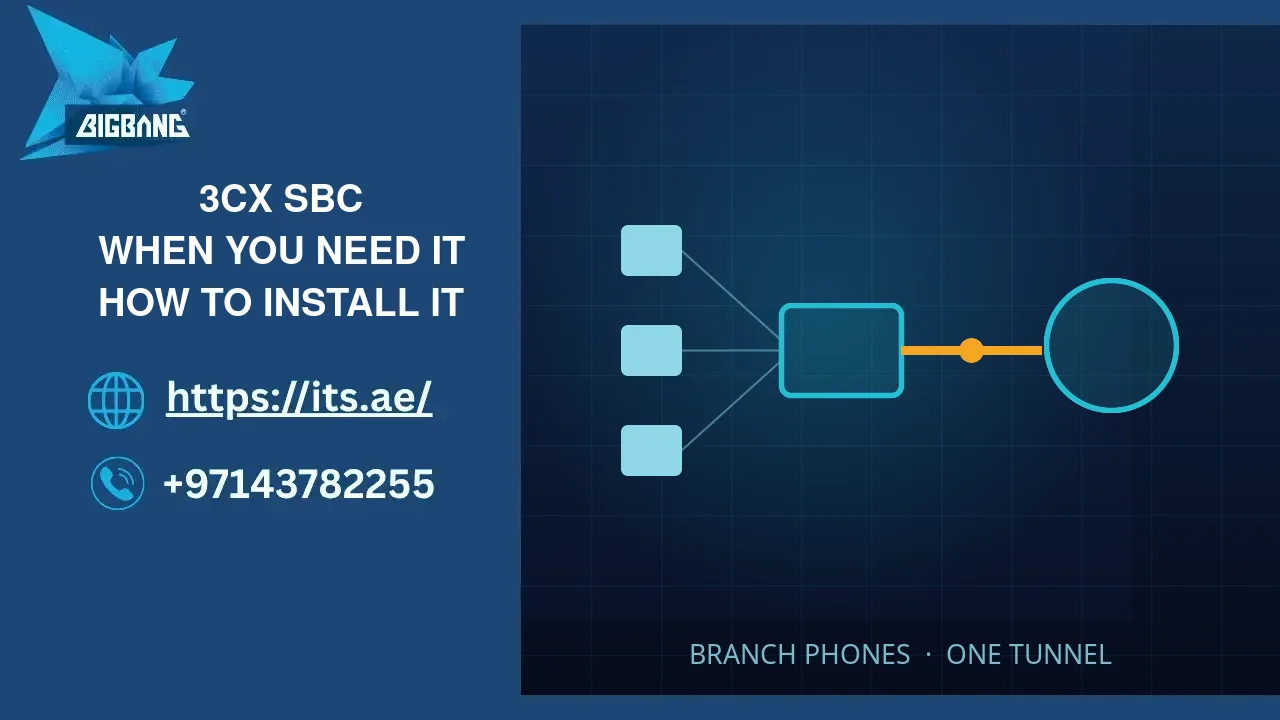
The SBC removes that dependency. The path becomes: desk phones → SBC on the branch LAN → one tunnel across the internet → 3CX. In 3CX’s description, the SBC combines all SIP and RTP packets from one location and delivers them to 3CX, overcoming common firewall and networking issues. For a router phone, which runs the same SBC on board, 3CX adds that it encrypts voice traffic, reconnects dropped calls and connects local calls directly to save bandwidth. The branch phones are also provisioned through it.
It is not a second PBX: extensions, trunks and queues stay on the central 3CX. Nor is it the box some vendors sell for SIP trunks under the same name. Our guide on how 3CX works covers the PBX side.
Do You Need One?
3CX’s rule is short: more than 10 phones, a dedicated SBC; fewer than 10, a router phone; one remote phone, the app.
| Situation | SBC? | Why |
|---|---|---|
| Branch with more than 10 desk phones, PBX hosted or at head office | Yes | One tunnel for the whole site, provisioning through the SBC, no reliance on the branch router’s handling of SIP |
| Branch with fewer than 10 desk phones | Router phone, or an SBC | 3CX suggests one SBC-capable phone that runs the SBC on board; we choose an SBC when the tunnel should not depend on one phone |
| Home worker using the 3CX app | No | The apps carry their own tunnel; nothing to install at home |
| One desk phone at home | No | 3CX points single remote users to the app; if a desk phone is required, choose a router-phone model |
| Office behind an internet-provider router with SIP ALG that cannot be turned off | Usually yes | Phone traffic moves into the tunnel instead of passing through the router’s SIP handling |
| Phones on the same LAN as an on-site 3CX | No | 3CX offers a “Local LAN/VPN” connection for this case |
Still deciding where the PBX should run? Our guide to cloud PBX systems compares hosted and on-site set-ups.
Choosing the Box
3CX lists 3 platforms for the SBC.
Windows. Windows 10, or Windows Server 2016 and later. The quickest route when the branch has a PC that never switches off. The V20 installer is on our SBC for Windows download page, which links to 3CX’s own file.
Debian Linux. A small dedicated machine or a virtual machine, installed from 3CX’s Debian 12 ISO. Our 3CX SBC ISO page downloads that file directly from 3CX. 3CX’s PBX-on-Debian guide uses the same ISO, so on a branch box make sure you install the SBC, not a second PBX.
Raspberry Pi 5. 3CX’s guide covers the Pi 5 with 4 or 8 GB, Raspberry Pi OS 64-bit (Debian 12 or 13) and a microSD card of 32 GB or more. The SBC installs from a script.
Whatever the box, the rule is the same: always on, wired, static LAN address. 3CX’s SBC guide asks for a static IP and a machine that runs all the time, and its Pi guide states that Wi-Fi is not supported. The Windows SBC, the Linux and Raspberry Pi SBC items, the ISO and the 3CX client apps all sit in our 3CX downloads list.
How to Install a 3CX SBC (V20)
These steps follow 3CX’s V20 guides for the SBC and for IP phones; the check in step 5 is our own habit, not a 3CX step.
- Give the branch box a static LAN IP before installing anything.
- Create the SBC in the 3CX Admin Console. Go to Voice & Chat, click “Add SBC” and choose the type of machine. 3CX creates the entry and shows a pop-up with the install instructions, a provisioning URL and an authentication key ID.
- Copy both values. The provisioning URL is your PBX’s address; the key ties the SBC to this entry.
- Install on the branch box. On Windows, run the installer, accept the licence and choose the folder, then enter the provisioning URL and the key ID. On a Pi, the script asks for the same two values.
- Confirm the connection. In Voice & Chat, check that the SBC has connected before you touch a phone.
- Provision the phones. Under Users, open the user, go to the IP Phone tab, click “Configure a phone”, pick the model and enter its MAC address, then choose the SBC as the connection. The phone then fetches its settings, or you assign it from the plug-and-play list.
3CX’s firewall guide lists port 5090, UDP and TCP, inbound on the PBX, for the tunnel. On a hosted PBX that is our side; at the branch, nothing outbound should block it.
The Errors We Meet
The installer’s message is often vaguer than the cause. These are the ones we have fixed.
“Unable to reach” because of an old hosts-file entry. A line in the Windows hosts file that points the PBX name to 127.0.0.1, left by an earlier trial install, sends the SBC to itself. nslookup will not show it, because nslookup asks the DNS server directly; Microsoft notes that when a name is in the hosts file, Windows answers from that file and does not query DNS. From the same machine, run curl -I against the PBX name and then against its IP address. If the IP answers and the name does not, open C:\Windows\System32\drivers\etc\hosts.
An installer from the wrong version. A V18 SBC installer run against a V20 PBX fails with the same vague message. Use the installer that matches your PBX version; for V20, the package on our download page.
A stale key. Deleting and recreating the SBC entry, or rebuilding the PBX, generates a new authentication key. A key copied from an old e-mail will not connect. Copy it again from the console.
A tunnel that connects only some of the time. If the SBC connects, drops and comes back, look at how the branch reaches the internet. A second exit, a VPN or a firewall rule on one path can block port 5090 while the other path lets it through.
From Our Work
The SBC that kept calling itself. A branch PC would not connect its new SBC, and the installer said only that it could not reach the PBX. nslookup returned the right address, so the network took the blame. Testing by name and by IP from that PC told another story: an earlier 3CX trial on the same machine had left the PBX name pointing to 127.0.0.1. With the line removed, the SBC connected.
Right box, wrong installer. At another site the SBC was being installed from a file kept since the V18 days, against a V20 PBX. The message read exactly like a network fault, and the network was fine. The fix was simply the V20 installer, downloaded fresh to match the PBX. The lesson we took: check the installer version before the router.
Two ways out. One office had 2 internet exits, and traffic on the second went through a VPN that blocked the tunnel port. The SBC connected whenever its traffic took the first exit and dropped whenever it took the second, so the phones worked, then did not, then worked again. The PBX was never at fault. When an SBC connects only some of the time, map every path the branch uses to reach the internet before anything else.
Where We Fit
We host 3CX, set up branch SBCs and supply the desk phones and gateways that go with them. Before buying phones for a small branch, check the models against 3CX’s router-phone list; it may save you the SBC box. Licence prices on our site start from the 8SC BASIC licence at AED 1,403.93 a year, and our 3CX price guide sets out the rest of the cost. If your branch is 3 people happy on the app, you do not need an SBC, and we will say so.
Frequently Asked Questions
What is a 3CX SBC?
It is 3CX’s Session Border Controller: a software service installed on an always-on machine at a remote site. The IP phones there connect to it over the LAN, and it carries their calls to the central 3CX through a single tunnel. It is not a second PBX; extensions and trunks stay on the main system.
Which port does the 3CX SBC use?
3CX’s firewall guide lists port 5090, UDP and TCP, inbound on the PBX side, for the 3CX tunnel that the SBC and the apps use. Phone provisioning uses HTTPS on port 443 or 5001, or your custom port. At the branch, make sure no firewall or VPN on the outgoing path blocks 5090.
Can I install the 3CX SBC on a Raspberry Pi?
Yes. 3CX documents the SBC on a Raspberry Pi 5 with Raspberry Pi OS 64-bit, based on Debian 12 or 13, a microSD card of 32 GB or more and a 5V 5A power supply, ideally the official one. It needs wired Ethernet and a static address; 3CX states that Wi-Fi is not supported.
Do I need an SBC for 3CX on mobile phones?
No. The 3CX apps for Android, iOS and Windows have their own tunnel built in, so remote users on the app need nothing installed at their location. An SBC is for desk phones at a remote site. 3CX itself recommends the app over a desk phone for a single remote user.
Why does my 3CX SBC say it cannot reach the PBX?
In our experience the usual causes are a hosts-file entry on the SBC machine pointing the PBX name somewhere else, an installer from an older 3CX version, a key copied before the SBC entry was recreated, or a blocked port 5090. Test the PBX name and IP from the same machine before changing anything.
Sources
- Installing a 3CX SBC (Session Border Controller) — 3CX (accessed 2026-10-03)
- Firewall & Router Configuration — 3CX (accessed 2026-10-03)
- Configuring IP Phones (V20) — 3CX (accessed 2026-10-03)
- Installing 3CX SBC on Raspberry Pi 5 — 3CX (accessed 2026-10-03)
- Installing 3CX using 3CX Debian ISO — 3CX (accessed 2026-10-03)
- Troubleshoot DNS client name resolution issues — Microsoft Learn (accessed 2026-10-03)
Where We Are
BIGBANG ITS has planned and run technology for UAE businesses since 2003, headquartered at the Sharjah Research, Technology and Innovation Park with a branch in Business Bay, Dubai. Support runs 24/7 and the office is open Saturday to Thursday, 09:00–18:00 Gulf time. For a 3CX branch setup with an SBC configured and tested, contact us or call +971 4 378 2255.
Talk to us directly — we usually reply within minutes during business hours.