

OmniLink Connects Every Customer Conversation in One Intelligent Workspace
Unify WhatsApp, Facebook Messenger, Instagram and business calls with CRM, sales management, automation, booking and AI — one platform built for service-driven businesses, clinics and growing teams, by BIGBANG ITS.
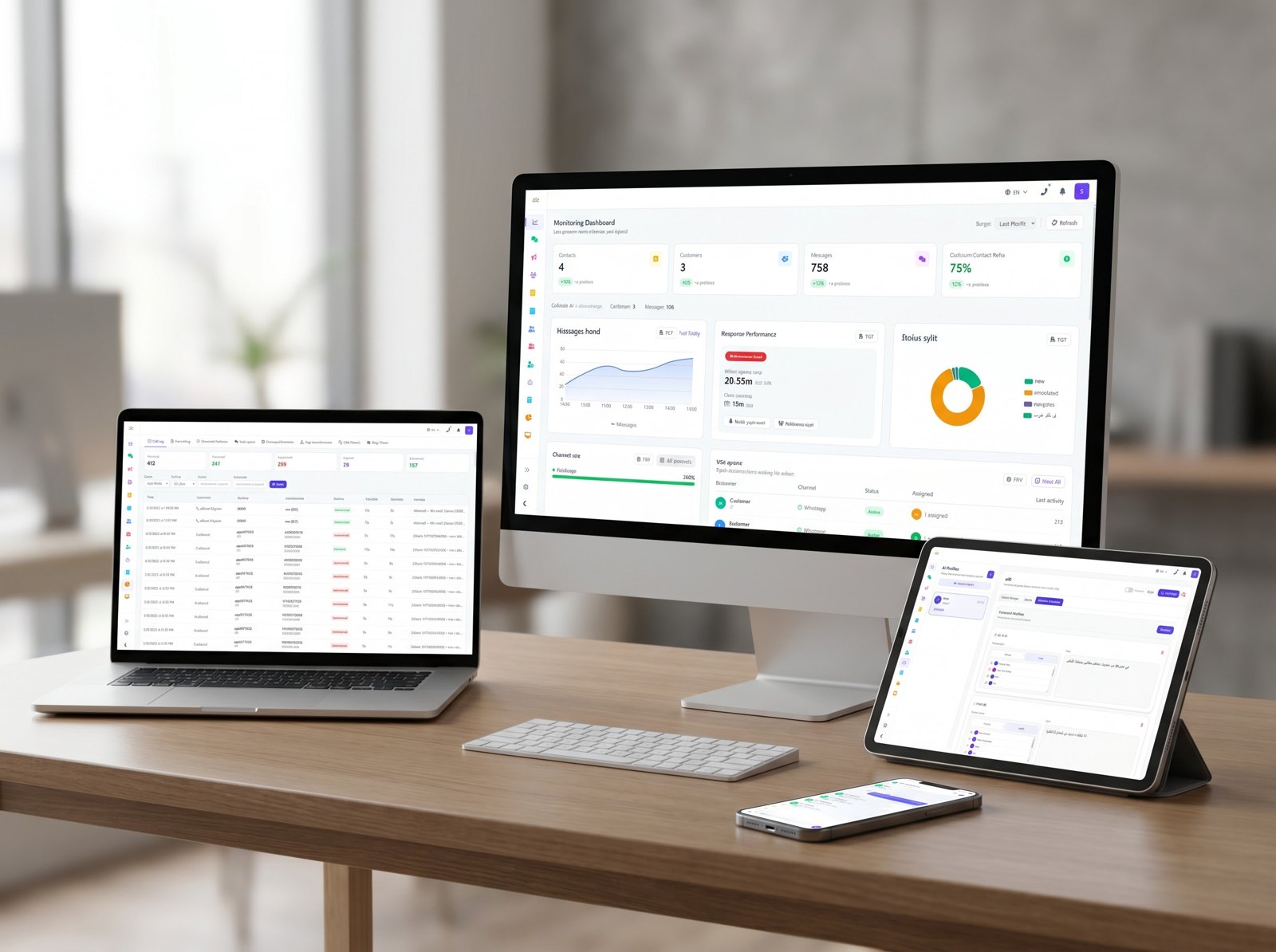
Four Channels, One Customer Record
OmniLink brings WhatsApp, Facebook Messenger, Instagram messaging and business calls into a single workspace, so every conversation stays attached to the same customer.
WhatsApp Business Platform
Facebook Messenger
Page messaging
Direct messages
Business Calls
Telephony integration
More Than an Inbox — CRM, Sales, Automation, Booking and AI
Channels bring the conversation in. These capabilities decide what happens next, so customer communication becomes a managed business operation rather than a set of chats.
CRM
Customer profiles with conversation history, notes, bookings, previous interactions and communication source.
Sales Management
Qualify leads, route them to the right team, and follow opportunities through to booking or sale.
Business Automation
Automate routing, assignment, follow-up and repetitive operational steps across the customer journey.
Booking & Appointments
Calendar, services and resources with appointment workflows that run inside the conversation.
AI-Powered Operations
AI agents handle replies, qualification, routing, bookings and quality review using approved business data.
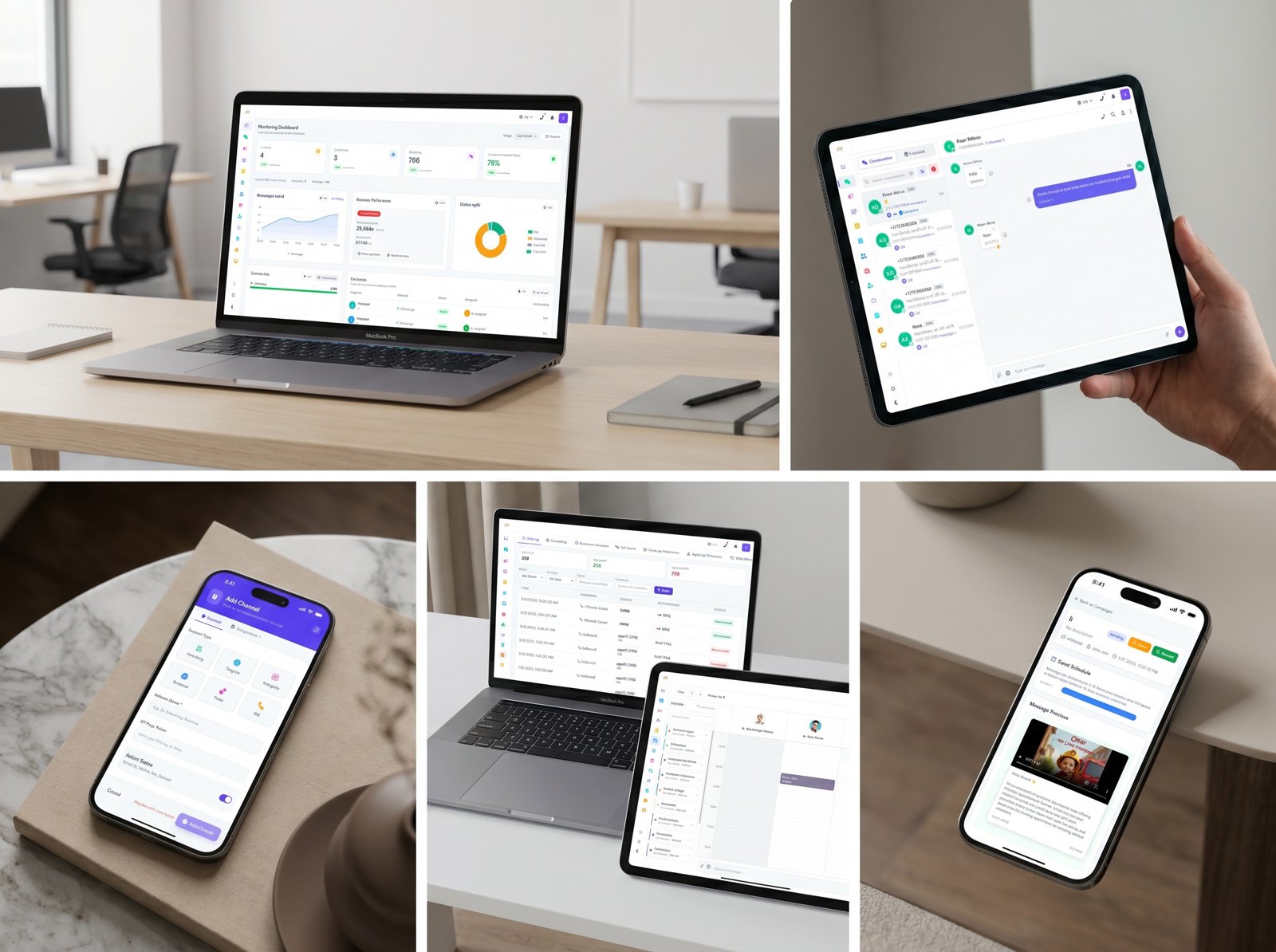
Customer Communication Is Fragmented
✕ Without OmniLink
- Customer messages arrive across WhatsApp, calls and social — with no single view
- Agents work from personal phones with no handover, history or accountability
- Missed follow-ups and slow responses lose leads before they convert
- Managers have no visibility into team activity or customer wait times
✓ With OmniLink
- One organized inbox for every channel — WhatsApp, calls, web and more
- Shared workspace with assignment, notes and full conversation history
- AI handles first response and follow-up reminders automatically
- Live reports show response times, open threads and team performance
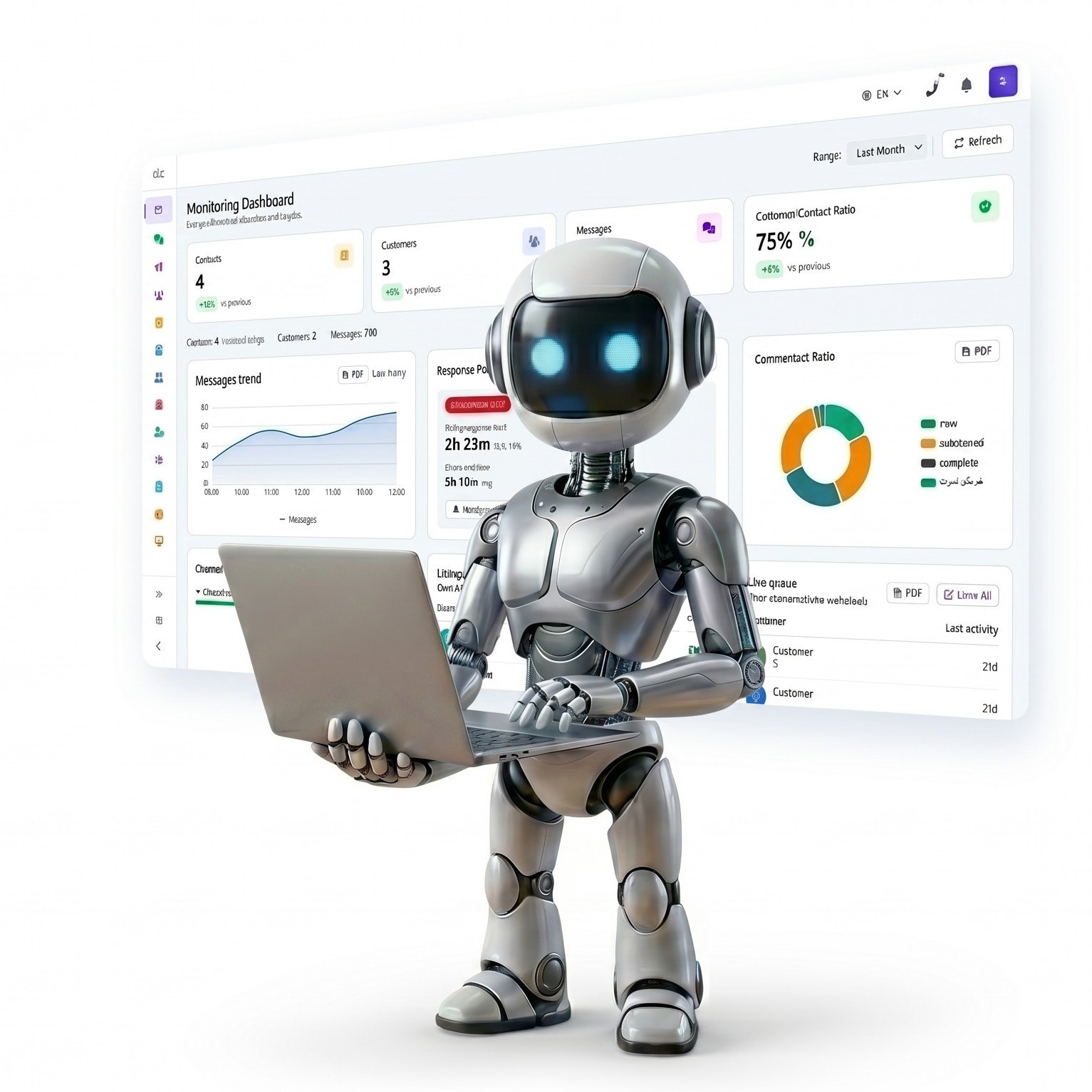
OmniLink Puts AI Agents to Work on Your Customer Operations
Unlike standard CRM tools, OmniLink embeds AI directly into your workflows — handling replies, qualifying leads, routing conversations, managing bookings and flagging quality issues automatically. Every agent is configured around your approved business data and supports both Arabic and English.
AI Auto Reply
Respond to customer questions using approved business data, including outside business hours.
Booking Agent
Help customers choose services and available times, then confirm appointments end-to-end through WhatsApp.
Lead Qualification
Ask relevant questions to understand customer needs and direct each lead to the correct team.
Smart Routing
Automatically route conversations to the appropriate department, employee or group based on context.
FAQ Agent
Answer common questions about services, prices, working hours, locations and policies without agent involvement.
Knowledge Base Agent
Use approved company files and internal knowledge to provide accurate, knowledge-based responses.
Quality Agent
Evaluate employee responses and suggest improvements to raise customer communication quality.
Communication, Ownership and Operational Control
The essential tools teams need to organize customer communication, assign responsibility, manage bookings, run campaigns and understand performance.
Unified Inbox
Manage all customer messages and interactions in one centralized inbox instead of across different employees and devices.
Ticket Management
Turn conversations into tickets, assign ownership, follow progress and close requests in an organized way.
Conversation Management
Open, close, assign and track every customer thread from first contact to resolution.
Customer Profiles
View customer information, conversation history, notes, bookings, previous interactions and communication source.
Team & User Management
Assign conversations, manage user permissions, monitor responsibilities and improve team accountability.
Internal Notes
Add private notes inside conversations so employees can coordinate without sending them to the customer.
Forward & Share Conversations
Forward a conversation with a mandatory note or share access with another employee when collaboration is needed.
Broadcast Campaigns
Send approved campaigns, announcements, reminders and follow-up messages to selected customer groups.
Reports & Analytics
Track response time, open conversations, closed tickets, campaign results, team activity and customer sources.
Customer Source Tracking
Identify tracked entry points such as WhatsApp campaigns, phone calls and other available customer sources.
Turn Customer Conversations Into Measurable Marketing Insight
OmniLink tracks where customers come from, connects conversations to campaigns, and shows which marketing activity drives bookings or sales — so marketing decisions are grounded in real data, not guesswork.
- Customer source tracking and campaign source analysis
- Lead quality measured by campaign and channel
- Conversion tracking from conversation to booking or sale
- Retargeting customer lists built from interaction history
- Marketing budget optimization using measurable results

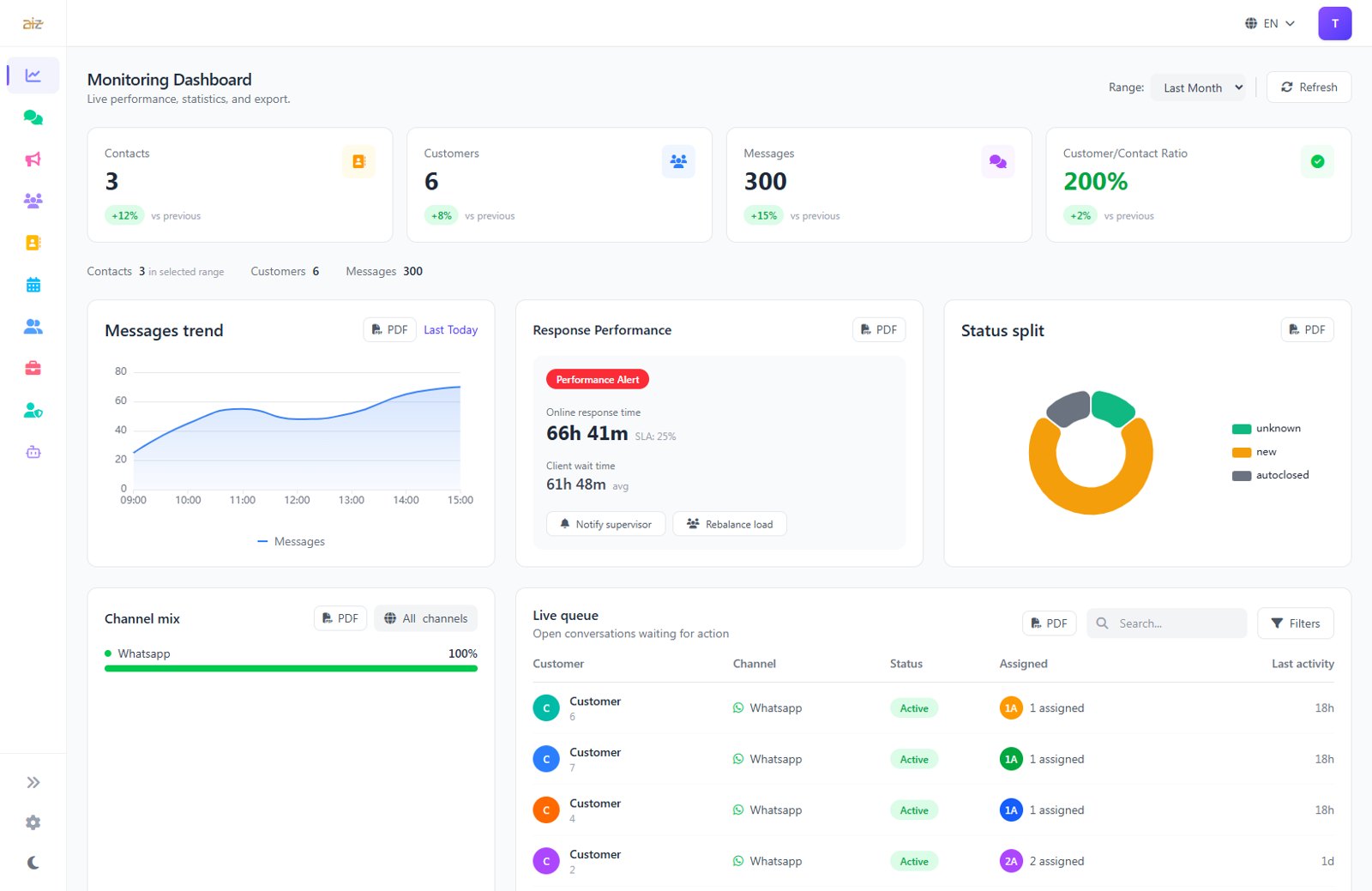
A Central View for Owners, Managers and Operational Teams
OmniLink gives decision-makers practical control over customer communication, team performance and marketing results — all from one centralized dashboard.
- Reports and performance analytics
- Conversation inbox and ticket management
- Customer source and campaign performance reports
- Customer profiles and team assignment
- AI agent settings and user permissions
- Calendar, booking, channel and campaign management
Flexible Customer Operations for Service-Driven Businesses
Clinics & Medical Centers
Patient booking, appointment reminders, missed-call handling and follow-up workflows managed over WhatsApp.
Sales & Follow-Up Teams
Never miss a lead. Qualify, assign and follow up on every inquiry from one workspace.
Customer Support Operations
Faster response, lower ticket backlog and full conversation history per customer.
Multi-Branch Businesses
Manage customer communication across multiple locations from one unified platform.
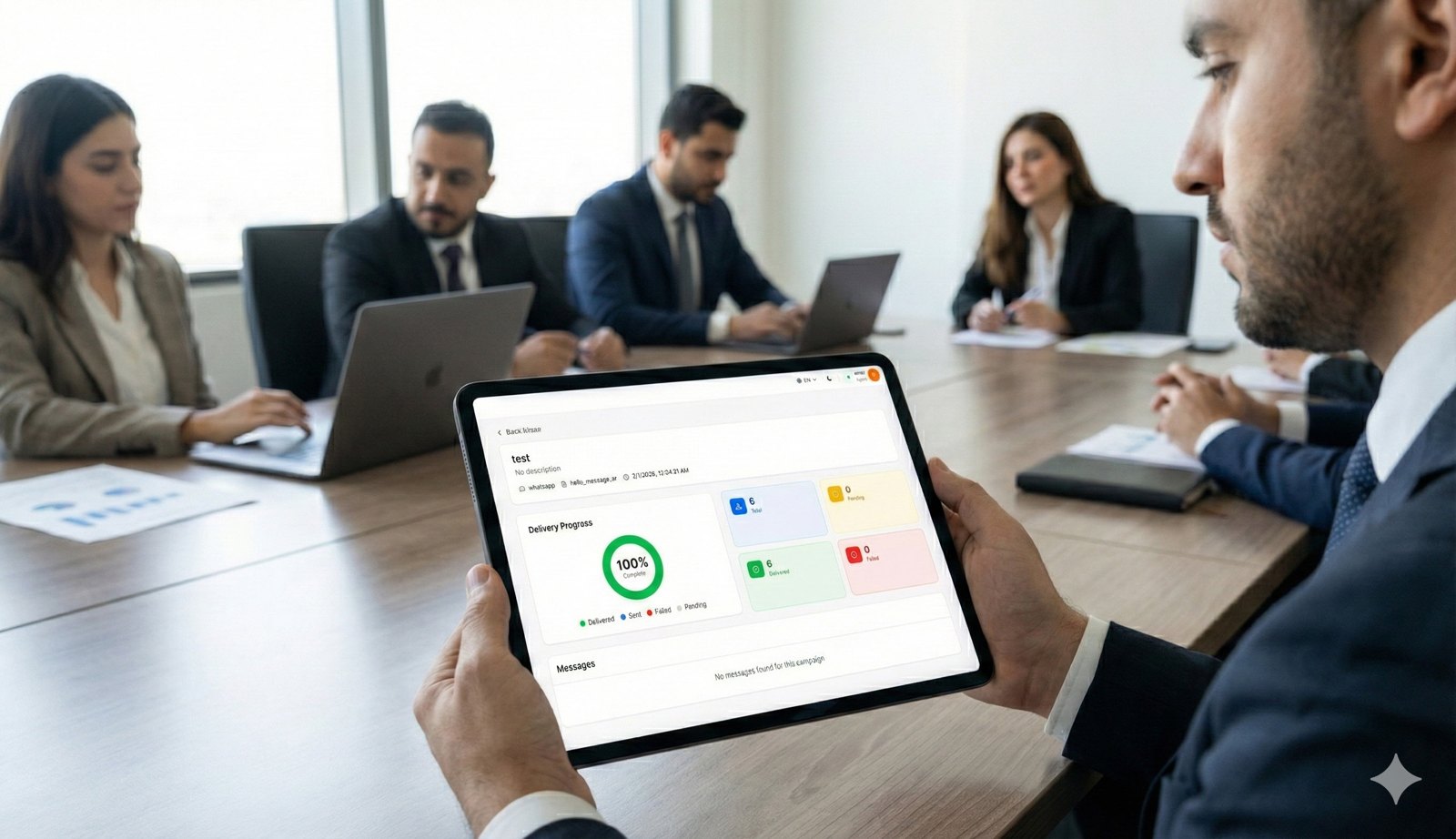
Operational Control With Measurable Impact on Growth
✓ Higher conversion rate from inquiry to booking or sale
✓ Better customer experience across every touchpoint
✓ Faster customer response with AI handling routine inquiries
✓ Clear reports on team performance and customer sources
✓ Less manual work and repetitive follow-up tasks
✓ Better team control and conversation accountability
✓ Scalable operations as your team and volume grow
✓ Retargeting support using interaction and booking history
✓ Better campaign optimization from measurable results
Flexible Packages Designed for Real Customer Operations
Messaging usage, selected add-ons and Call Management are billed according to the commercial terms. Prices are in USD per month.
Starter
- Unified ticket inbox and contact CRM
- Basic teams, assignment, internal notes and dashboard
- Campaign access with 10,000/month broadcast capacity
- Basic campaign reporting
- AI replies not included
- Call Management not included
Growth
- Team and conversation management with CRM
- Calendar, booking, services and resources
- Broadcast capacity up to 80,000/month
- 2,000 AI written replies per month
- Call Management available upon request
Professional
- Includes all Growth features
- 5,000 AI written replies per month
- AI booking assistant and campaign analytics
- Advanced routing and follow-up pipeline
- Advanced reports
- AI Employee Quality Report (add-on)
- Monthly optimization session and priority support
Enterprise
- Advanced CRM and sales pipeline
- Business workflow automation across routing, assignment, bookings and follow-up
- Custom users, channels, branches, broadcast capacity and AI usage
- Custom integrations and reporting
- Dedicated account management
- Call Management quoted separately
A Clear Path From Business Analysis to Go-Live
OmniLink implementation follows structured steps based on the approved business scope, channels, workflows and operational requirements.
Business Analysis
Understand teams, services, channels, campaigns and the customer journey.
Account Setup
Create the company account, users, teams, permissions and initial configuration.
Channel Connection
Connect WhatsApp, phone calls or supported channels within agreed scope.
Workflow Configuration
Configure routing, tickets, departments, bookings, follow-ups and internal procedures.
AI Agent Setup
Configure knowledge, replies, booking logic and routing rules.
Tracking & Reports Setup
Prepare operational, team, customer-source and campaign reports when data is available.
Testing
Test customer journeys, workflows, AI responses, bookings, tracking and notifications.
Team Training
Train employees and managers to use OmniLink effectively.
Go Live
Launch the approved configuration and begin managing real customer interactions.
Support & Optimization
Monitor performance and improve workflows, automation and reports based on real usage.
Ready to Transform How Your Business Communicates With Customers?
Book a demo with BIGBANG ITS and discover how OmniLink can help your team respond faster, manage better and convert more opportunities.
Talk to Our Team