If you are wondering how to make a company email for your business in the UAE, you are already ahead of the many small businesses that still rely on personal Gmail or Yahoo accounts to talk to customers. A company email address that uses your own domain name — such as yourname@yourcompany.com — instantly makes your business look more established, more trustworthy, and more professional.
In this guide, we will walk you through every step of how to make a company email address, from registering a domain to setting up your first mailbox on Gmail, Outlook, or cPanel, so your business can start communicating professionally the same day.
What Is a Company Email Address?
A company email address is an email account that uses your business’s own domain name instead of a free, generic email provider. For example, instead of yourbusiness@gmail.com, a company email looks like sales@yourbusiness.com. It ties every message you send directly to your brand, which is why almost every serious business — from a one-person consultancy to a large corporation — uses one instead of a personal inbox.
Learn more about what is business email address and how it differs from personal email.

Why Your Business Needs a Company Email Address
Before we get into how to make an email for a business step by step, it helps to understand why it matters in the first place:
- Credibility: A domain-based email tells clients and partners you are a registered, serious business, not a hobby project.
- Security: Business-grade email hosting includes spam filtering, malware scanning, and encryption that free webmail accounts do not fully offer.
- Branding: Every email you send promotes your company name and website, reinforcing your brand with zero extra effort.
- Organization and compliance: Keeping business communication, contracts, and customer data separate from personal accounts makes it easier to manage records and stay aligned with UAE data protection practices.
What You Need Before You Start
Before you can create business domain email for your company, you need two things ready: a registered domain name and an email hosting plan. Both can be purchased separately or bundled together, depending on the provider you choose.
If you don’t have a domain yet, read this guide on how to purchase a website domain for your business email setup.
Choosing the right provider is also important, so here’s how to select a web hosting company.
How to Set Up a Company Email Domain
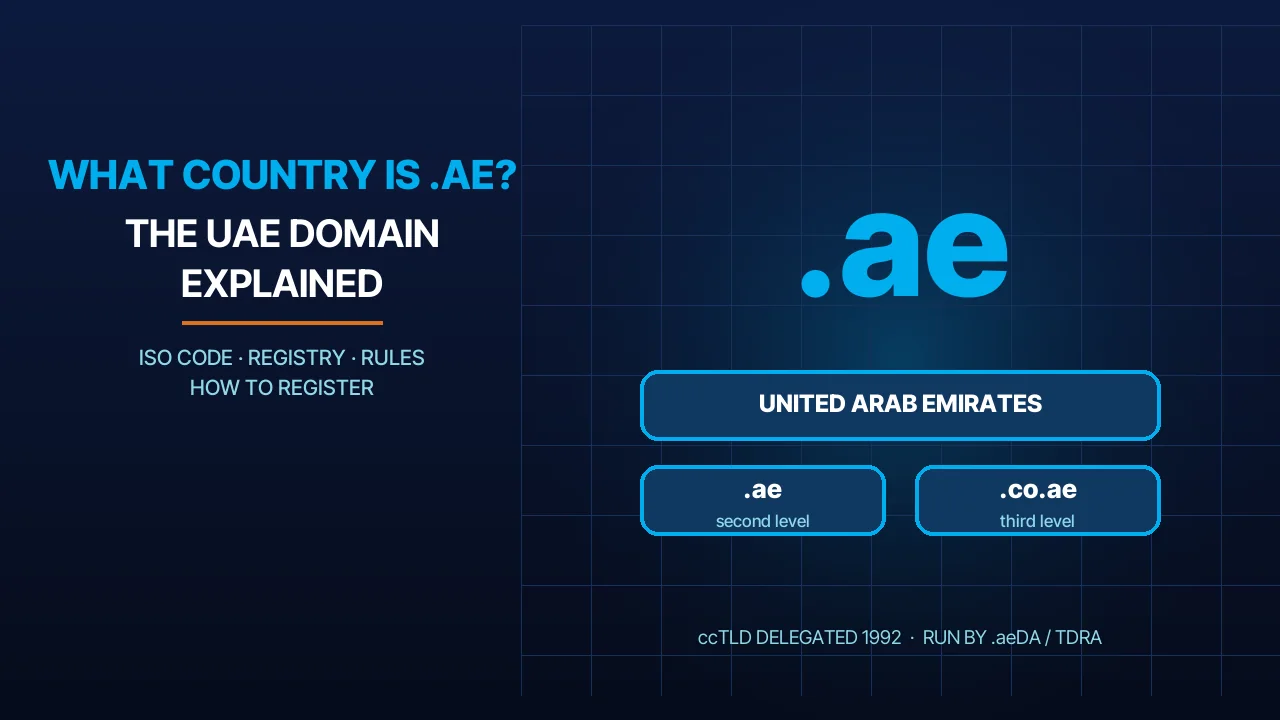
Your domain is the part of the email address that comes after the @ symbol, and it is usually the same as your website address. Whether you want to create company domain email under a .ae extension for local trust, or a .com for wider international reach, the process starts with checking availability and registering it through an accredited registrar such as its.ae’s domain registration service. If you already own a domain from another provider, you can simply connect it to your new email hosting plan instead of buying a new one.
How to Make a Company Email Address: Step-by-Step
Once your domain is ready, here is exactly how to make a company email address, from start to finish.
Step 1 – Register or Connect Your Domain
Choose a domain name that matches your business name, register it, or connect an existing one to the email service you plan to use.
You can also compare best email and website hosting for small business options before deciding.
Step 2 – Choose an Email Hosting Provider (Google Workspace, Microsoft 365, or cPanel)
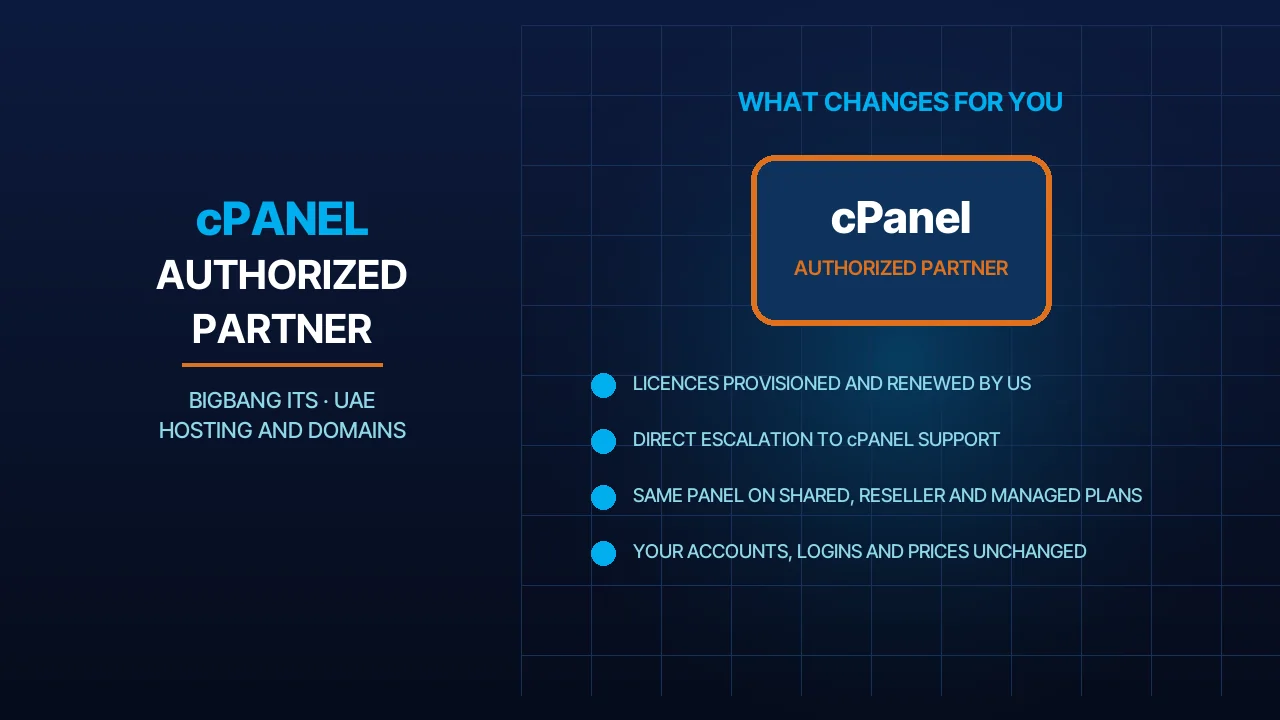
This is the most important decision in the whole process. You can host your business email with Google Workspace, Microsoft 365, or through a cPanel hosting plan that already includes email accounts. If you already have a website hosted on a shared or WordPress hosting plan, you may be able to get business domain email included at no extra monthly cost.
Step 3 – Set Up MX Records
MX (Mail Exchange) records tell the internet which server should handle mail for your domain. Your email host will give you the exact MX records to add through your domain’s DNS management panel. This step usually takes a few minutes to configure, and Google notes that new MX records can take up to 72 hours to be recognised everywhere.
Need help setting up your business email? Get it fully configured with its.ae in under 24 hours.
Step 4 – Create Your Mailbox and Email ID
Once your MX records are active, you can create your first mailbox. This is where you decide how to make a company email ID for yourself and your team — for example info@, sales@, or firstname.lastname@yourcompany.com. Most hosting panels let you create additional mailboxes and aliases in a few clicks once you know how to make a company email account for new employees.
Step 5 – Secure Your Domain (SPF, DKIM, DMARC)
These three authentication records confirm to Gmail, Outlook, and other providers that emails from your domain are legitimate, which helps keep your messages out of the spam folder. Most business email plans, including those offered through its.ae, configure these automatically or provide step-by-step guidance during setup.
If you want a simplified setup option, here’s how to get custom business email without technical complexity.
Get fully managed business email setup (domain + email + security) in under 24 hours
How to Make a Company Email on Gmail (Google Workspace)
If you prefer the Gmail interface, you can still use it for business through Google Workspace, which pairs the familiar Gmail inbox with your own domain name. Here is how to make a company email on Google:
- Sign up for a Google Workspace plan and enter your business domain.
- Verify domain ownership using the code Google provides.
- Add the MX records Google gives you to your domain’s DNS settings.
- Create your first Gmail business email address and add users for your team.
This route is popular with businesses that already use Google Docs, Sheets, and Meet, since everything stays inside one connected workspace.
How to Make a Company Email on Outlook (Microsoft 365)
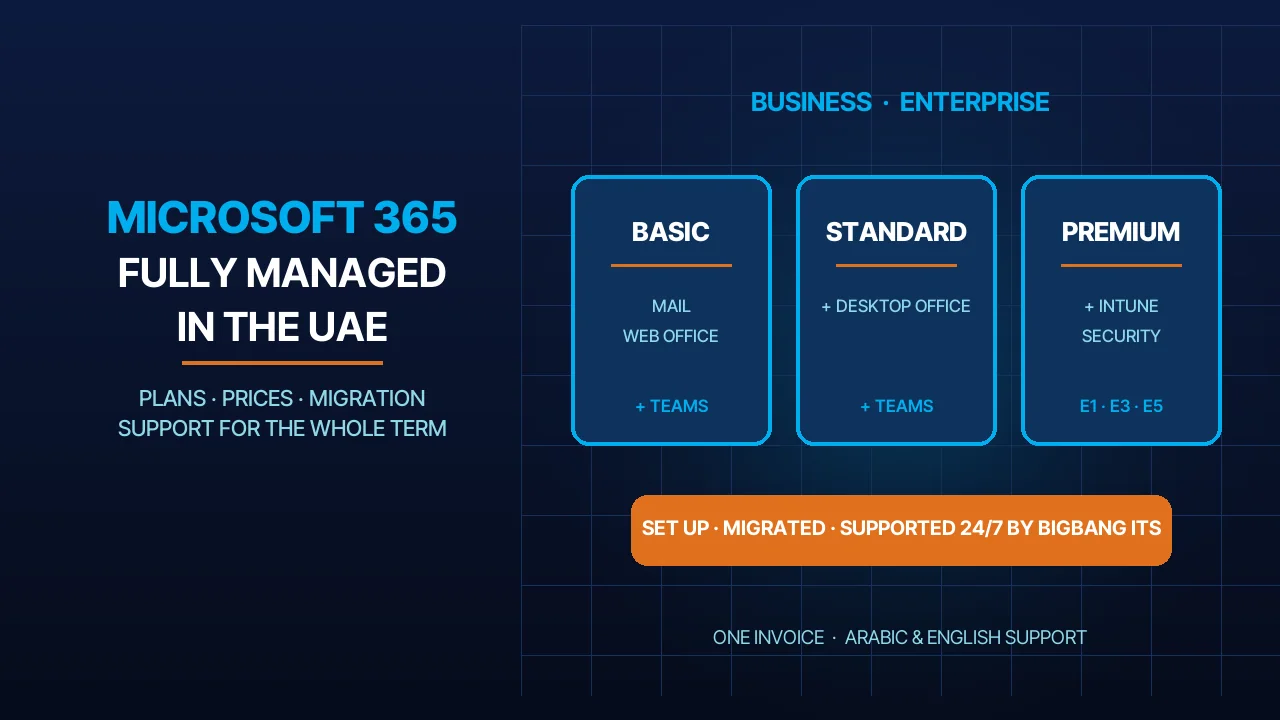
For businesses that prefer Word, Excel, and Teams, setting up an Outlook business email through Microsoft 365 is usually the better fit. The steps are similar: choose a Microsoft 365 Business plan, connect or verify your domain, add the required MX records, and create mailboxes for each employee. its.ae offers Managed Microsoft 365 business email plans built on Microsoft 365 Business Basic and Standard, which Microsoft currently lists with 100 GB user mailboxes and 1 TB of OneDrive storage per user, plus full Teams and Office integration, so the entire setup is handled for you.
Need help setting up your business email? Get it done in minutes with its.ae
How to Create a Company Email Domain Without an Existing Website
You do not need a live website to get a company email address. If you only need email for now, you can register a domain and connect it directly to an email hosting plan, without hosting a website on it at all. This is a common option for freelancers, consultants, and new companies that want to look professional in customer communication while their website is still being built.
How to Make a Professional Company Email Signature
Once your mailbox is active, learning how to make a company email signature is the final touch that reinforces your brand on every message you send. A strong signature should include:
- Your full name and job title
- Company name and logo
- Phone number and website link
- Consistent fonts and colors that match your brand across every employee’s signature
Company Email Setup Checklist
- Register a domain name
- Choose email hosting
- Connect DNS settings
- Add MX records
- Create mailboxes
- Configure SPF, DKIM, and DMARC
- Test email delivery
Google Business Email Pricing vs Microsoft 365 vs cPanel Email
Google business email pricing, Microsoft 365, and cPanel email hosting all serve the same purpose but differ in cost, storage, and included apps. Here is a general comparison to help you decide:
| Provider | Starting Price | Mailbox Storage | Best For |
| Google Workspace | From $7/user/month (annual commitment, before tax) | 30 GB and up | Teams using Docs, Meet |
| Microsoft 365 (via its.ae) | From $17/month | 100 GB mailbox (Microsoft’s current limit for Business Basic and Standard) + 1 TB OneDrive | Teams using Word, Excel, Teams |
| cPanel Email (via hosting) | Often included with a web hosting plan | Varies by plan | Businesses that also need website hosting |
Prices are approximate and change periodically. Contact its.ae for the latest package pricing and to find the best fit for your business size.
Best Format for a Company Email Address
Choosing the right format keeps every address in your company clean, memorable, and consistent:
- firstname.lastname@yourcompany.com — best for larger teams
- firstname@yourcompany.com — simple and personal, works well for small teams
- Role-based addresses like info@, sales@, support@, and billing@ — best for shared department inboxes
- Avoid numbers, underscores, and nicknames that are hard to type or remember
Common Mistakes to Avoid
- Using a free webmail account (Gmail, Yahoo) as your only business contact address
- Skipping SPF, DKIM, and DMARC setup, which increases the chance of landing in spam
- Choosing a domain that does not match your business or website name
- Forgetting to set up mobile access, which slows down response times
- Not creating a backup or secondary admin account in case access is lost
Get Your Company Email Set Up with its.ae
If you would rather skip the technical steps, its.ae can set up your entire company email account for you — from domain registration to mailbox creation and security configuration. Explore Business Email plans, check domain availability, or combine your email with reliable hosting if you also need a website. Our support team is available 24/7 to guide you through every step.
Final Thoughts
Learning how to make a company email is one of the simplest but most important steps you can take for your business. Once your domain, hosting, and security records are in place, your company will have a professional, reliable way to communicate with customers and partners under your own brand. If you’d rather have the whole setup handled for you, its.ae’s business email team can get you fully set up in under 24 hours.
FAQs
Can I create a company email for free?
Yes, you can start with free trials from providers like Google Workspace or Microsoft 365, but a professional company email with a custom domain always requires a domain and hosting plan.
Can I create a company email with Gmail?
Yes, you can use Gmail for business through Google Workspace, which allows you to create a company email using your own domain while keeping the Gmail interface.
How do I create a company email address?
To create a company email address, you need a domain name, an email hosting provider, and DNS setup including MX records, SPF, and DKIM authentication.
How to create a company email example?
A company email example uses your domain name, such as info@yourcompany.com or sales@yourcompany.com, instead of a free email like Gmail or Yahoo.
How do I start an email to a company?
Start with a professional greeting like “Dear [Company Name]” or “Dear Hiring Manager” depending on the department you are contacting.
Sources
- Google Workspace Help — Set up MX records for Google Workspace (new MX records can take up to 72 hours to be recognised) (accessed 2026-10-01)
- Google Workspace Help — Verify your domain with a TXT record (accessed 2026-10-01)
- Microsoft Learn — Connect your domain by adding DNS records (MX, CNAME and SPF TXT records for Microsoft 365) (accessed 2026-10-01)
- RFC Editor — RFC 7208: Sender Policy Framework (SPF) for Authorizing Use of Domains in Email (accessed 2026-10-01)
- RFC Editor — RFC 6376: DomainKeys Identified Mail (DKIM) Signatures (accessed 2026-10-01)
- RFC Editor — RFC 7489: Domain-based Message Authentication, Reporting, and Conformance (DMARC) (accessed 2026-10-01)
- Google (Gmail Help) — Email sender guidelines: SPF or DKIM required for all senders, SPF + DKIM + DMARC for bulk senders (accessed 2026-10-01)
- Google Workspace — Pricing (Business Starter $7 per user/month with 1-year commitment, 30 GB pooled storage per user) (accessed 2026-10-01)
- u.ae (UAE Government) — Data protection laws: Federal Decree-Law No. 45 of 2021 on the Protection of Personal Data (accessed 2026-10-01)
- TDRA — .aeDA, the UAE’s .ae domain administration (accredited registrars and policies) (accessed 2026-10-01)
- Microsoft Learn — Exchange Online limits (user mailboxes 100 GB on Microsoft 365 Business Basic and Standard) (accessed 2026-10-01)
- Microsoft Learn — OneDrive service description (1 TB per user on Microsoft 365 Business plans) (accessed 2026-10-01)
Talk to us directly — we usually reply within minutes during business hours.