If you’re wondering how to transfer your domain to another host, this guide will walk you through the complete process in simple steps.
Many website owners move their domains to get better pricing, improved support, stronger security, or easier management.
In most cases, you can complete the transfer without affecting your website or email—if the DNS settings are handled correctly.
In this guide, you’ll learn how to transfer your domain step by step, including requirements, EPP code, cost, duration, and how to avoid downtime.
Quick Answer
Transferring a domain to another host means moving domain management from one registrar to another using an EPP code, unlocking the domain, and approving the transfer. The process usually takes 1–7 days and can be done without downtime if DNS is configured correctly.
how to transfer your domain to another host
Before learning how to transfer your domain to another host, it’s important to understand what a domain transfer actually means.
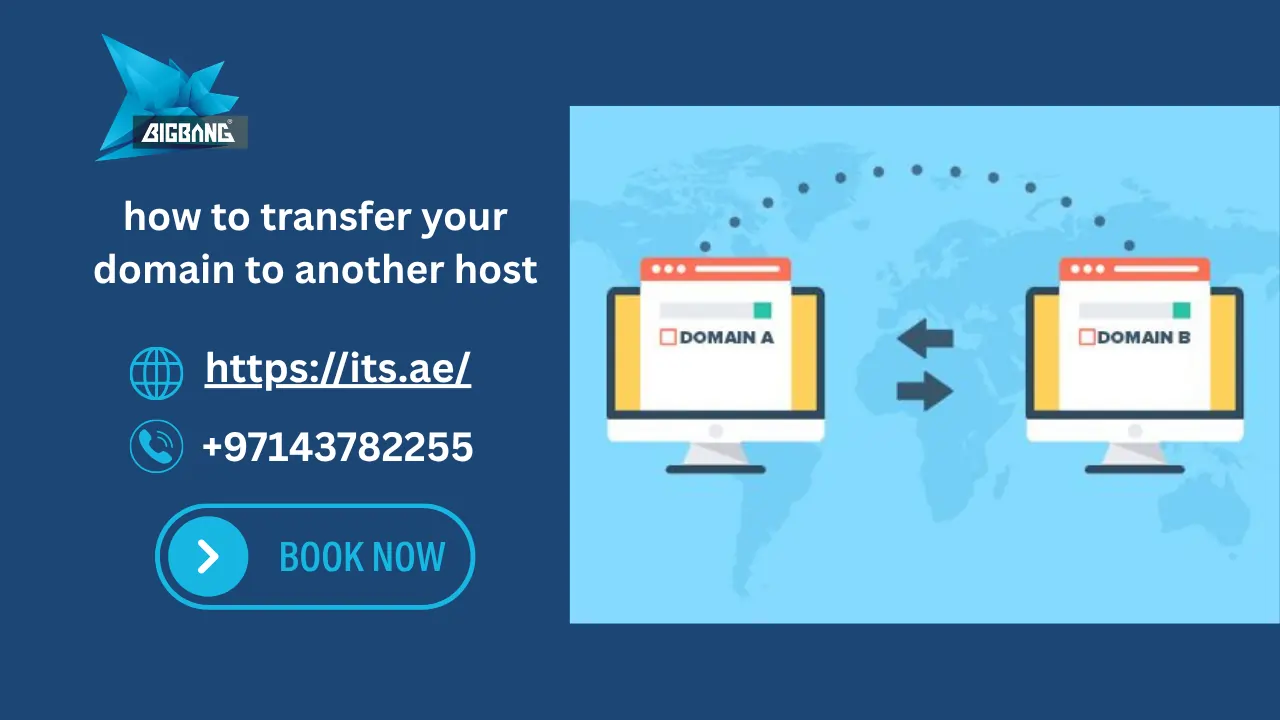
A domain transfer is the process of moving the management of a domain name from one registrar to another. After the transfer is completed, the new provider becomes responsible for managing domain renewals, DNS settings, and domain-related services.
Many users searching for how to move my domain name to a new host believe they are moving their website, but a domain transfer and a website migration are two different processes.
To understand domains better, see what is domain name example.
What Is a Domain Transfer?
A domain transfer changes the registrar responsible for managing your domain name.
For example, if your domain is currently managed by one provider and you decide to use another provider, you can transfer the domain registration while keeping your website online.
After the transfer is completed, you’ll manage:
- Domain renewals
- DNS records
- Nameservers
- Domain security settings
- Contact information
from the new provider’s control panel.
Domain Transfer vs Hosting Transfer
Many website owners confuse domain transfers with hosting transfers.
| Domain Transfer | Hosting Transfer |
| Moves domain registration | Moves website files and databases |
| Changes registrar | Changes hosting provider |
| Requires EPP code | Requires website migration |
| Usually takes several days | May take a few hours |
| Does not automatically move website files | Moves website content |
Understanding this difference is essential if you’re researching:
- how to transfer your website to another host
- how to move a website to another host
- how to move a website to another server
These actions often happen together, but they are separate processes.

How to Check Where Your Domain Is Registered
-
Using WHOIS Lookup
-
Checking Your Hosting Dashboard
-
Checking Your Domain Email
Why Would You Transfer a Domain to Another Host?
There are several reasons businesses and website owners decide to transfer a domain to a new host or registrar.
Better Pricing
Some providers offer lower renewal fees, reduced management costs, and additional services that help save money over time.
Improved Customer Support
Reliable technical support becomes increasingly important as your website grows.
A responsive support team can help resolve DNS issues, email problems, and domain-related concerns quickly.
Easier Domain Management
Many businesses prefer managing domains, hosting, SSL certificates, and business email services from a single dashboard.
Improved Security Features
Advanced domain security features such as domain locking, DNS protection, and multi-factor authentication can help protect your online assets.
Consolidating Services Under One Provider
Managing multiple vendors can become complicated. Consolidating your services under one provider often simplifies administration and billing.
Before You Transfer Your Domain
Before starting the transfer process, there are several important checks you should complete.
Check Domain Transfer Eligibility
Not every domain can be transferred immediately.
Generally, your domain should:
- Be active.
- Not be expired.
- Have valid ownership information.
- Meet transfer eligibility requirements.
Review Domain Name and Hosting Price before starting the transfer.
Understand the 60-Day Transfer Rule
Most domain extensions are subject to transfer restrictions after registration or ownership changes.
If the domain was recently registered, you may need to wait before initiating a transfer.
Verify Domain Ownership Information
Ensure the administrative contact email address associated with the domain is accurate and accessible.
Transfer approval messages are commonly sent to the registered domain owner.
You can verify ownership details with a check domain ownersearch using WHOIS lookup tools before starting the transfer.
Back Up Your DNS Records
Before making any changes, create a backup of:
- A Records
- CNAME Records
- MX Records
- TXT Records
- SPF Records
- DKIM Records
This step helps prevent website and email interruptions during the transfer process.
Unlock Your Domain
Most domains are protected by a registrar lock to prevent unauthorized transfers.
You must unlock the domain before initiating the transfer request.
Obtain Your EPP Authorization Code
An EPP code, sometimes called an authorization code or transfer key, is required to verify ownership and authorize the transfer.
Most registrars allow you to generate this code directly from your domain management panel.
Common Domain Transfer Problems
- Domain transfer not working
- EPP code invalid
- Domain locked issue
- Transfer stuck or delayed
- Email approval not received
These issues usually occur due to DNS misconfiguration, domain lock, or missing authorization code.
How to Transfer a Domain Name Step by Step
If you’re looking for how to transfer your domain to another host, follow these steps carefully to complete the transfer safely, without downtime or email issues.
Step 1: Choose Your New Host or Registrar
Before initiating a transfer, select a provider that offers:
- Reliable support
- Competitive pricing
- Strong security features
- DNS management tools
- SSL certificate support
- Business email solutions
If you are planning how to transfer a domain name to another hosting company, evaluate both hosting and domain management services before making your decision.
Step 2: Unlock the Domain
Most registrars place a transfer lock on domains to prevent unauthorized transfers.
Log in to your current registrar and disable the domain lock.
This option is usually labeled as:
- Domain Lock
- Registrar Lock
- Transfer Lock
Step 3: Request the Authorization (EPP) Code
- The EPP authorization code acts as a security key that verifies ownership.
- Request the code from your current registrar and keep it available during the transfer process.
- Without the EPP code, most domain transfers cannot proceed.
Step 4: Initiate the Domain Transfer
Once you have chosen a new provider:
- Open the transfer section.
- Enter your domain name.
- Submit the EPP code.
- Pay the transfer fee if required.
Many providers automatically include a one-year domain renewal when the transfer is completed.
Step 5: Approve the Transfer Request
- A confirmation email is typically sent to the domain owner.
- Approve the request to continue the transfer.
- Failure to approve within the specified period may cancel the transfer request.
Step 6: Verify DNS and Nameserver Settings
After the transfer request is approved, review:
- Nameservers
- Website DNS records
- Email DNS records
- MX records
- SPF records
- DKIM records
This step is critical when learning how to transfer domain from one host to another without affecting website performance.
Step 7: Confirm Transfer Completion
After approval, the transfer enters processing.
Once completed, verify:
- Domain ownership
- DNS settings
- Website functionality
- Email functionality
- SSL certificates
Your domain will now be managed by the new provider.
How Long Does a Domain Transfer Take?
One of the most common questions users ask when researching how to transfer your domain to another host is how long the process takes.
The timeline depends on:
- Domain extension
- Registrar policies
- Approval speed
- Verification requirements
In most cases, domain transfers take between 1 and 7 days.
Some transfers are completed within hours, while others may require several days for verification and processing.
How Much Does a Domain Transfer Cost?
The cost of transferring a domain varies depending on the provider and domain extension.
Most transfers include:
- Transfer fee
- One-year domain renewal
- Continued domain ownership
Typical costs range from a few dollars to higher amounts for premium domain extensions. If you want a detailed breakdown of fees and pricing factors, see our guide on Domain Transfer Charges.
Is Domain Transfer Free?
Many users search for Domain Transfer Free opportunities.
While completely free transfers are uncommon, some providers offer:
- Promotional transfers
- Discounted transfer pricing
- Bundled hosting and transfer packages
- Free transfer campaigns
Always review the total renewal cost rather than focusing only on the transfer price.
Domain Transfer Offer: What Should You Look For?
A good domain transfer offer should include:
- Transparent pricing
- DNS management
- Security features
- Reliable support
- Free domain renewal period
- Easy migration assistance
The cheapest option is not always the best option if support or reliability is limited.
Will Transferring a Domain Affect My Website?
In most situations, a domain transfer alone does not affect website content.
Your website files remain on the hosting server.
However, DNS mistakes can temporarily impact accessibility.
Will My Website Experience Downtime?
Not necessarily.
Downtime usually occurs when:
- DNS records are changed incorrectly.
- Nameservers are modified before records are copied.
- Website hosting is moved simultaneously without preparation.
How to Transfer a Domain Name Without Website Downtime
To avoid interruptions:
- Back up all DNS records.
- Verify website hosting remains active.
- Confirm nameserver settings before making changes.
- Avoid canceling the old service until the transfer is completed.
- Test the website after transfer completion.
Following these steps allows you to transfer your domain while keeping your website available to visitors.
Will Domain Transfer Affect Email Services?
Email services are often more sensitive than websites during a transfer. If your business uses Google Workspace, you should follow a proper email migration process such as Transfer Email to Google Workspace to ensure a safe transition without losing emails or DNS records.
For more details, see our guide on Migrate Email from Office 365 to Google Workspace to properly handle email migration during DNS or domain changes.
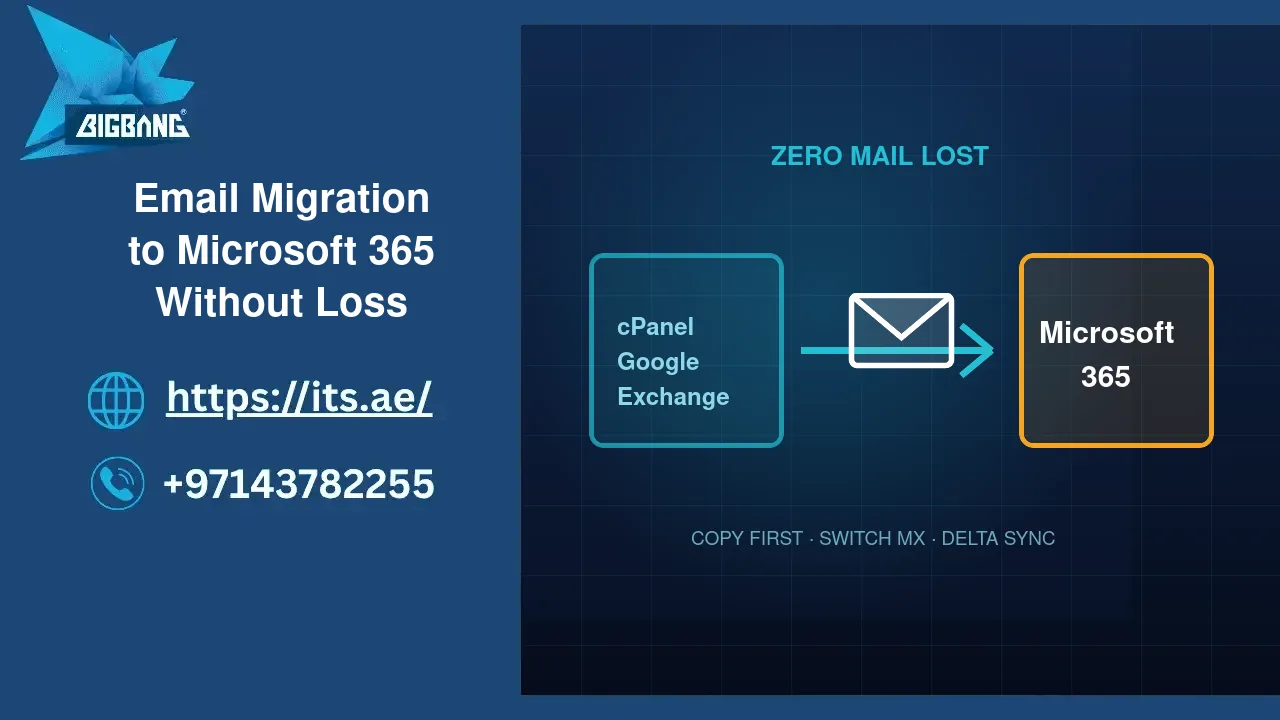
If you are using email platforms like Google Workspace or Microsoft 365, make sure to copy all MX, SPF, and DKIM records before changing nameservers to avoid email downtime.
If MX records are changed accidentally, email delivery may stop working.
Business Email
Business email accounts usually remain functional if DNS records are preserved correctly.
Important records include:
- MX Records
- SPF Records
- DKIM Records
- DMARC Records
Microsoft 365 Email
Organizations using Microsoft 365 should verify that all Microsoft-related DNS records remain unchanged during the transfer.
Google Workspace Email
Businesses using Google Workspace should ensure all Google email records are preserved before modifying nameservers.
A careful DNS review can prevent email interruptions during domain transfers.
How to Transfer a WordPress Website to Another Host
Many users searching how to transfer your domain to another host are also interested in how to transfer a WordPress website to another host.
The process involves:
- Backing up WordPress files.
- Exporting the database.
- Creating a new hosting account.
- Uploading website files.
- Importing the database.
- Updating configuration settings.
- Testing functionality.
- Updating DNS settings.
This process is separate from the domain transfer itself.
If you’re planning to connect your domain to a WordPress website after the migration, you can also follow our guide on How to Transfer Domain to WordPress for step-by-step instructions.
How to Move a Website to Another Host
If your goal is how to move a website to another host, you will need to migrate website data.
The migration process typically includes:
- Website files
- Databases
- Email accounts
- SSL certificates
- DNS settings
Many hosting providers offer migration assistance to simplify the process.
How to Move a Website to Another Server
The process of how to move a website to another server is similar to hosting migration.
Key considerations include:
- Server compatibility
- PHP versions
- Database versions
- Website performance
- Security settings
- SSL configuration
Testing before going live helps prevent disruptions.
If you want a smoother process, use our Website Migration Service.
How to Transfer a .ae Domain in the UAE
Businesses in the UAE often need guidance on transferring .ae domains.
Requirements for .ae Domain Transfers
Before initiating a transfer:
- Ensure the domain is active.
- Verify registrant information.
- Confirm domain ownership details.
- Obtain any required authorization credentials.
How Long Does a .ae Domain Transfer Take?
Most .ae domain transfers are completed after ownership verification and registry approval.
Actual timelines may vary depending on the registrar and registry requirements.
Common UAE Domain Transfer Issues
Some common challenges include:
- Incorrect registrant information
- Missing authorization details
- Delayed approvals
- Outdated contact information
- DNS configuration errors
Reviewing all records before submission significantly reduces delays.
Checklist Before and After a Domain Transfer
Before Transfer
- Verify transfer eligibility.
- Unlock the domain.
- Obtain the EPP code.
- Back up DNS records.
- Confirm email access.
- Review nameserver settings.
After Transfer
- Confirm ownership.
- Verify DNS records.
- Test website functionality.
- Test email delivery.
- Verify SSL certificates.
- Review domain renewal settings.
If you’re just starting, check How to Purchase a Website Domain before transferring.
Why Transfer Your Domain to ITS?
Choosing the right provider is just as important as understanding how to transfer your domain to another host.
ITS helps businesses simplify domain management through:
- Professional technical support
- Reliable domain management
- Secure DNS configuration
- Business email assistance
- Website hosting solutions
- Domain transfer guidance
Whether you’re planning how to move your domain to another host, how to transfer a domain name to another hosting company, or how to move my domain name to a new host, having experienced support can make the process faster and safer.
You can also easily transfer your domain to us for better management.
How to Transfer a Domain Without Downtime
- Back up DNS records
- Keep old hosting active
- Don’t change nameservers too early
- Test website after transfer
Conclusion
Understanding how to transfer your domain to another host is essential for businesses seeking better service, stronger security, lower costs, or easier management.
By preparing your DNS records, obtaining your EPP code, verifying ownership information, and following the correct transfer process, you can complete a domain transfer without downtime or disruption.
Whether you need how to transfer domain from one host to another, how to move your domain to another host, or how to transfer a domain to a new host, following the steps outlined in this guide will help ensure a successful transfer.
FAQs
How to transfer a domain to hosting?
To transfer a domain to a hosting provider, you need to unlock the domain, obtain the EPP code, and start the transfer from your new hosting dashboard. After approval, the domain will be managed by the new host while your website remains online if DNS settings are configured correctly.
How do I transfer my domain to another provider?
To transfer your domain to another provider, you must:
- Ensure the domain is eligible for transfer
- Unlock the domain from your current registrar
- Get the EPP (authorization) code
- Start the transfer process with the new provider
- Approve the transfer via email
The process usually takes 1–7 days depending on the domain extension and registrar policies.
Can I transfer my domain to someone else?
Yes, you can transfer your domain to another person. This is called a domain ownership transfer. You need to update the registrant details or push the domain to another account through your registrar’s control panel. Some registrars may require identity verification before completing the transfer.
Can I transfer my domain from one website to another?
Yes, but it depends on what you mean:
- If you mean domain transfer → you are changing the domain registrar
- If you mean website migration → you are moving website files and hosting
A domain itself is not tied to a website; you can point it to any hosting by changing DNS settings.
Will I lose my email if I transfer my domain?
No, you will not lose your email if the DNS records (MX, SPF, DKIM) are properly configured before and after the transfer. However, incorrect DNS changes or missing records may temporarily affect email delivery.
Talk to us directly — we usually reply within minutes during business hours.