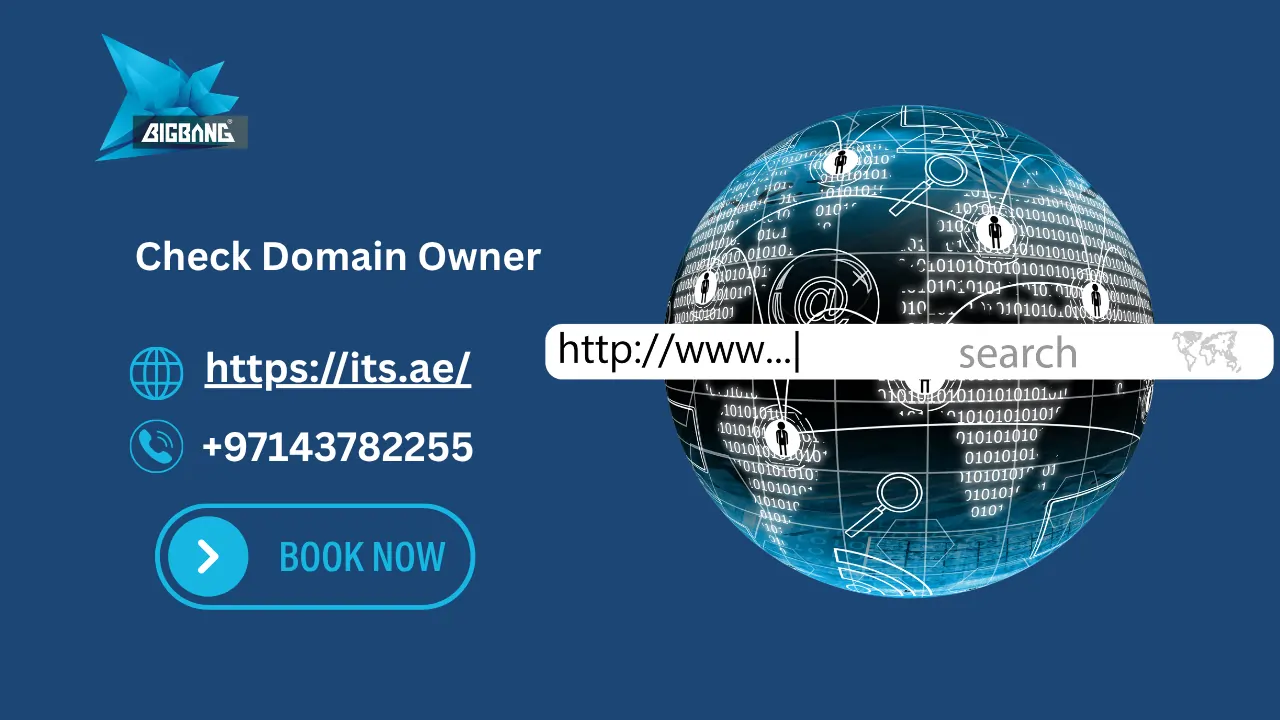
Checking domain owner information helps you identify who owns a registered domain using WHOIS lookup tools.
Whether you want to check domain name ownership, find domain registration details, verify a registration date, or check domain expiry information, a WHOIS lookup tool is the fastest and most reliable solution.
In this guide, you’ll learn how to perform a domain owner check, understand WHOIS records, check domain ownership history, and discover what information is available for registered domains.
Quick Answer:
To check domain owner information, enter the domain name into a WHOIS lookup tool. The results may show the registrant, registrar, registration date, expiration date, and domain status, depending on privacy settings.
How to Check Domain Owner (Step-by-Step)
Steps to Check Domain Owner
- Go to a WHOIS lookup tool
- Enter the domain name
- View ownership details
What Does Check Domain Owner Mean?
The term “check domain owner” refers to the process of identifying who registered a domain name and reviewing the publicly available registration information associated with that domain.
When a domain is registered, information about the registrant is stored in registration databases. Depending on privacy settings and registry rules, some or all of this information may be accessible through a WHOIS domain lookup service.

What Is WHOIS?
WHOIS is a system used to look up domain registration details such as registrar, expiry date, and public ownership information.
People check domain ownership to verify who registered a domain before contacting or purchasing it.
Find Domain Owner Information
How to Find Domain Owner
- Use a WHOIS lookup tool
- Enter the domain name
- View registrant details (if available)
- Check registrar and expiry info
How to Check Domain Owner Information
Checking domain ownership usually takes only a few seconds.
Use a WHOIS Lookup Tool
The easiest way to check domain owner details is to use the free WHOIS Lookup Tool on https://its.ae/domains/. Simply enter the domain name and review available registration information in seconds.
The tool retrieves available registration information directly from domain databases.
Review Domain Registration Details
A WHOIS domain check may display:
- Registrant details
- Registrar information
- Registration date
- Expiration date
- Name servers
- Domain status
These records help verify ownership and registration status.
Verify Ownership Information
Keep in mind that some domains use privacy protection services.
As a result, personal information may be hidden while essential registration details remain visible.
What Information Can You Find in a WHOIS Lookup?
- Domain owner name (if public)
- Registrar
- Registration date
- Expiry date
- Name servers
- Domain status
WHOIS vs RDAP
What Is WHOIS?
- Traditional protocol for domain lookup
- Shows registration data
What Is RDAP?
- Modern protocol for domain data
- More structured and secure
Key Difference
- WHOIS data may not always be real-time
- RDAP provides more structured and secure data access
Check Domain Owner Free
Many users search for ways to check domain owner free before purchasing a domain or contacting the current registrant.
Fortunately, many WHOIS lookup tools provide free access to basic domain registration information, including registrar details, registration dates, and domain status.
If you’re planning to build a WordPress site, check WordPress Domain Name Price for cost details.
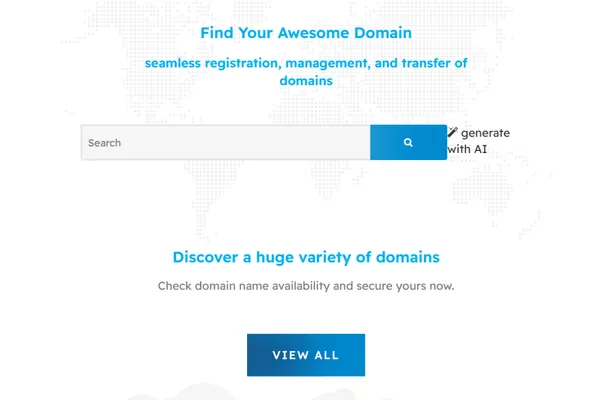
Ready to register your own .AE domain?
Check available domains on its.ae: https://its.ae/domains/ – starting at AED 125 for .AE domains.
its.ae is the best site to buy domain names in the UAE — with instant .AE registration, free WHOIS protection, and 24/7 support.
Check Domain Owner Online
You can check domain owner online from any device using a WHOIS lookup tool.
Simply enter the domain name and review the available registration records within seconds.
Why Is Domain Owner Information Hidden?
Many users perform a WHOIS lookup expecting to see complete owner details.
However, some information may be hidden due to privacy regulations.
GDPR and Privacy Protection
Privacy laws limit the amount of personal information that can be displayed publicly.
Domain Privacy Services
Registrars often offer privacy protection that replaces personal information with anonymized contact details.
What Information Is Still Public?
Even when privacy protection is enabled, WHOIS records often display:
- Domain name
- Registrar
- Registration date
- Expiration date
- Name servers
- Domain status
How to Contact a Domain Owner
One of the main reasons people check domain owner information is to contact the current registrant.
Using Public WHOIS Records
If contact information is visible, you may be able to reach the owner directly.
Contacting Through the Registrar
Some registrars provide anonymous forwarding services that allow communication with domain owners.
Reaching Out Through the Website
You can also contact the owner through:
- Contact forms
- Business email addresses
- Social media accounts
- Customer support channels
If you want to move your domain to another provider, you can follow this guide: How to Transfer Your Domain to Another Host.
WHOIS vs RDAP: What’s the Difference?
What Is WHOIS?
WHOIS is the traditional protocol used to access domain registration information.
If you’re new to domains, read: what is domain name example.
What Is RDAP?
RDAP is a modern protocol designed to provide more structured and secure registration data.
Which Lookup Method Is More Accurate?
Both systems provide valuable information, but RDAP offers improved standardization and privacy support.
Best Tools to Check Domain Owner Information
ITS WHOIS Lookup
Use the ITS WHOIS Lookup Tool on its.ae to:
- Check domain owner information
- Check domain registration date
- Check domain expiry
- Verify domain availability
- Research .AE domains
You can explore more about domain registration on the Domains page.
Start your domain search now using our WHOIS tool.
ICANN Lookup
Provides access to registration data from accredited registrars.
RDAP Lookup Tools
Useful for advanced registration and cybersecurity investigations.
Once you find an available domain, you can learn How to Purchase a Website Domain.
Conclusion
Knowing how to check domain owner information is essential for businesses, investors, cybersecurity professionals, and website owners. Whether you want to perform a domain owner check, verify registration details, check domain ownership history, review WHOIS records, or research .AE domains, the right lookup tools can provide valuable insights and help you make informed decisions.
FAQs
Can I check who owns a domain?
Yes, you can check who owns a domain using a WHOIS lookup tool. It may show the registrant name, registrar, registration date, and expiry date, depending on privacy settings.
How do you check ownership of a domain?
You can check domain ownership by entering the domain name into a WHOIS lookup tool. The tool retrieves available registration data from global domain databases in seconds.
How do I find out if a domain name is owned?
To find out if a domain is owned, perform a domain availability or WHOIS search. If the domain is already registered, the WHOIS record will show registration details instead of availability.
Is WHOIS lookup free to use?
Yes, most WHOIS lookup tools are free to use. They allow you to check basic domain information such as registrar, registration date, expiry date, and DNS records at no cost.
Talk to us directly — we usually reply within minutes during business hours.