Every business account you own — email, hosting control panel, domain registrar, client portal, accounting — is protected by a password that has probably been typed on a phone, reused somewhere and, statistically, leaked at least once. Two-factor authentication (2FA) is the one control that makes a leaked password nearly useless to an attacker, and it costs nothing to switch on. This is a practical guide to doing it properly in a UAE business: which accounts first, which method to choose, and the mistakes that quietly undo the protection.
Quick Answer
Two-factor authentication asks for a second proof of identity after the password — a code from an authenticator app, a hardware key, or a prompt on a registered phone. Enable it first on the accounts that control everything else: email, the domain registrar, the hosting control panel and your bank. Prefer an authenticator app or a passkey over SMS codes, store the recovery codes offline, and enforce it for every staff member rather than leaving it optional. In the UAE, the Personal Data Protection Law expects appropriate technical and organisational measures for any system holding customer data — 2FA on those systems is the cheapest one you will ever implement.
Why a Strong Password Is No Longer Enough
Attackers rarely guess passwords any more. They buy them. Credential-stuffing tools take username–password pairs from old breaches and try them against hundreds of services automatically; if your accounts manager used the same password for a webinar signup in 2019 and for your Microsoft 365 tenant today, the tool finds that in minutes. Phishing pages that copy the Microsoft or Google login screen pixel for pixel capture the rest.
With 2FA enabled, the stolen password gets the attacker to the second screen and no further. Microsoft’s own security team has reported for years that accounts with multi-factor authentication are more than 99% less likely to be compromised — not because the attackers stop trying, but because the password alone stops being enough.
Which Accounts to Protect First
Not every account matters equally. Some are keys to all the others. Work down this list in order:
- Business email. Every password reset for every other service lands here. Whoever controls the mailbox controls the company.
- Domain registrar and DNS. With registrar access, an attacker can redirect your website and your email to servers they control — and nothing on your own server will show anything wrong. If your domains are managed through our client portal, the login there is the one to lock down.
- Hosting control panel and server access. cPanel, WHM, the WordPress admin, SSH keys. This is where malware gets planted.
- Banking and payment gateways. Most UAE banks already require it for online banking; make sure the person holding the token is not the only person who can approve a payment.
- Cloud suites and file storage. Microsoft 365, Google Workspace, Dropbox — where your contracts and client data actually live.
- Social media and advertising accounts. A hijacked Meta ad account spends your card; a hijacked Instagram damages your brand in public.
The Methods, From Weakest to Strongest
SMS codes
Better than nothing, and the easiest to explain to staff — but SIM-swap fraud is real and codes can be intercepted or phished in real time. Use SMS only where nothing else is offered, and never for the registrar or the bank if an alternative exists.
Authenticator apps
Apps such as Microsoft Authenticator, Google Authenticator or Authy generate a six-digit code that changes every thirty seconds, entirely offline. Nothing travels over the mobile network. This is the right default for most businesses: free, works on any smartphone, supported by almost every service.
Push approval
The service sends a prompt to a registered phone and the user taps “approve”. Convenient, but vulnerable to prompt fatigue: attackers send prompt after prompt at 2 a.m. until a tired employee taps yes. Microsoft Authenticator now enforces number matching (the prompt shows a number the user must type); choose it wherever another service offers the option.
Hardware keys and passkeys
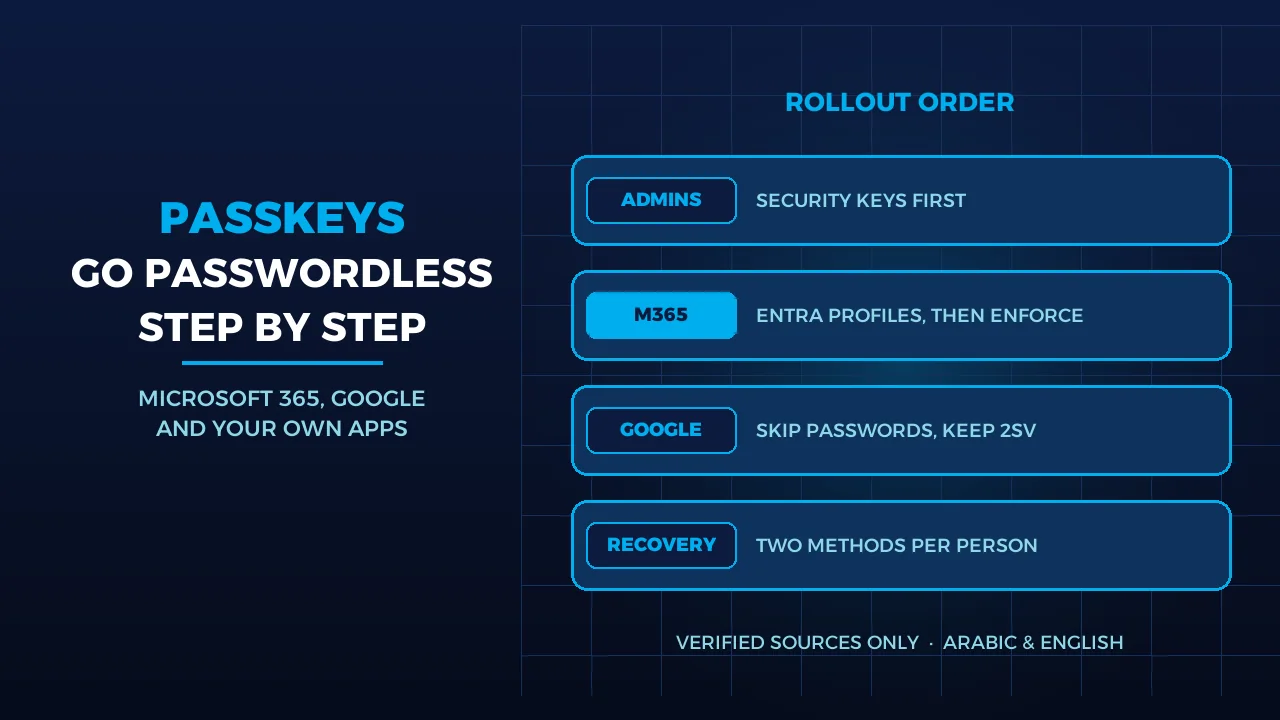
A FIDO2 security key (YubiKey and similar) or a passkey stored on the phone signs a challenge that is bound to the real website’s address. A phishing page on a look-alike domain simply cannot complete the login. This is the strongest option available and the right one for the two or three people who hold the registrar, the bank and the domain admin.
Rolling It Out Across a Small Team
The technology is the easy part. The rollout is where most businesses stall. What works:
- Enforce, don’t invite. Microsoft 365 and Google Workspace both let an administrator require 2FA for every user with a grace period. Optional 2FA ends up enabled by the people who were never the risk.
- Register two methods per person. An app plus a backup phone number, or an app plus a hardware key. A lost phone should be an inconvenience, not a lockout.
- Print the recovery codes and store them in the office safe, not in the same email account they protect.
- Cover shared accounts. A “marketing@” mailbox used by four people needs a shared authenticator (Authy and 1Password can share a code securely) — or, better, individual accounts with delegated access.
- Write the offboarding step down. When someone leaves, their authenticator still generates valid codes until you remove it from each account.
2FA on Your Website and Hosting
The WordPress admin login is attacked by automated bots every hour of every day. Two-factor authentication on the admin accounts, combined with a renamed login path and rate limiting, turns those attempts into noise. cPanel and WHM support two-factor authentication natively; we enable it on request for hosting accounts, and it is part of every hosting hardening we do. For SSH access, replace passwords with keys entirely.
If you would rather not manage this yourself, our two-factor authentication service covers the setup across email, hosting, the client portal and WordPress, including staff enrolment and the recovery-code procedure.
What the UAE Law Expects
The Federal Personal Data Protection Law (PDPL) does not name 2FA specifically, but it requires controllers to apply “appropriate technical and organisational measures” proportionate to the risk. A customer database reachable with a single password is difficult to defend as appropriate in 2026. Free zone regimes (DIFC and ADGM) take the same position, and tenders from government entities increasingly ask suppliers to confirm that multi-factor authentication is enforced on systems that touch their data. Read our guide to the UAE data protection law and your website for the wider obligations.
Five Mistakes That Undo the Protection
- Recovery codes stored in the protected mailbox. If the mailbox falls, so do the codes.
- “Remember this device for 90 days” on a shared laptop. The second factor is never asked for again on that machine.
- Legacy protocols left open. Old IMAP/POP and SMTP-basic logins bypass 2FA. Microsoft has now disabled Basic authentication in Exchange Online for IMAP, POP and most other protocols, but SMTP AUTH can still be enabled in tenants that were using it — check it and switch it off.
- App passwords handed out freely. Each one is a permanent password that skips 2FA. Audit and revoke them.
- Approving a prompt you did not trigger. Train staff that an unexpected prompt means someone has the password — change it, do not approve it.
Frequently Asked Questions
Is an authenticator app really safer than SMS codes?
Yes. An authenticator app generates the code on the phone itself, so there is nothing to intercept on the mobile network and no SIM to swap. SMS codes can be redirected by SIM-swap fraud or phished in real time. Use SMS only where a service offers nothing else, and never for the registrar or the bank.
What happens if an employee loses the phone with the authenticator app?
They sign in with a recovery code or the second registered method, remove the lost device from each account, then enrol the new phone. That is why every person should have two methods registered, and why the recovery codes should be printed and kept in the office rather than in the mailbox they protect.
Is two-factor authentication a legal requirement for UAE businesses?
No law names it. The Personal Data Protection Law (Federal Decree-Law 45 of 2021) requires appropriate technical measures for systems that hold personal data, and 2FA is the cheapest way to show one. Government tenders also increasingly ask suppliers to confirm that it is enforced on systems touching their data.
Sources
- Microsoft Learn — Configure Security Defaults for Microsoft Entra ID (accessed 2026-09-15)
- The Official Portal of the UAE Government (u.ae) — Data protection laws (accessed 2026-09-15)
- Microsoft Learn — Deprecation of Basic authentication in Exchange Online (accessed 2026-09-15)
Where We Are
BIGBANG ITS is headquartered at the Sharjah Research, Technology and Innovation Park with a branch in Business Bay, Dubai. Support runs 24/7 and the office is open Saturday to Thursday, 09:00–18:00 Gulf time. To have two-factor authentication rolled out across your email, hosting and portal accounts, contact us or call +971 4 378 2255.
Talk to us directly — we usually reply within minutes during business hours.