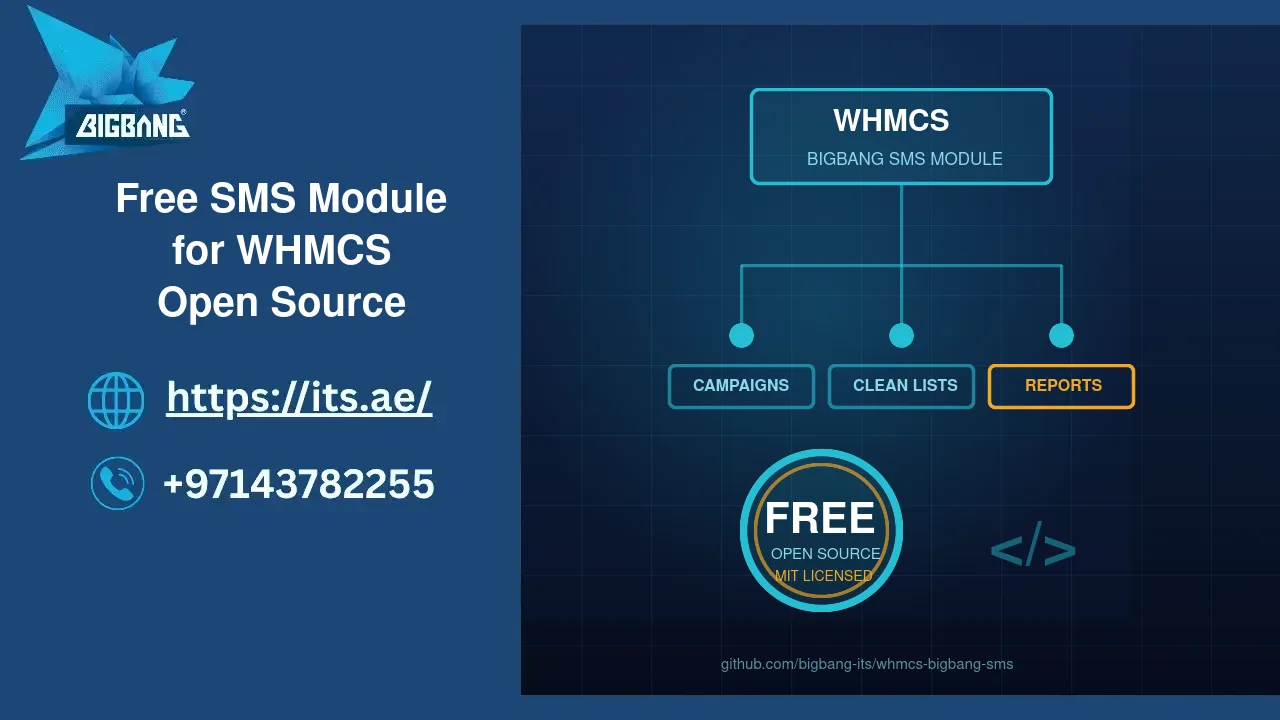
Most WHMCS installations still talk to customers through one channel: email. Invoices, renewal notices and security alerts all land in an inbox that many clients open once a week. BIGBANG ITS has released a free, open-source SMS module for WHMCS — the same addon that runs on our own client portal — so that any hosting provider, reseller or IT company can send targeted SMS campaigns, payment and renewal reminders, and one-off messages straight from the billing system they already use.
Quick Answer
BIGBANG SMS is a free, MIT-licensed addon for WHMCS 8. It sends SMS campaigns to clients filtered by client, service, invoice and domain status, to hand-picked customers, or to number lists uploaded from Excel — and it cleans those lists automatically, dropping duplicates, landlines and malformed numbers before anything is sent. It adds quick send, scheduled reminders, a blacklist, delivery reports and a client-area page where customers choose which messages they receive. Download it from GitHub; installation help from BIGBANG is free. To buy SMS credit or register a Sender ID, message us on WhatsApp — the SMS service is available to companies with a valid official trade licence.
Why we built it
We run WHMCS in production for hosting, domains, VoIP and cloud services, and we kept meeting the same problem: the messages that matter most are the ones most likely to be missed. An invoice reminder that sits unread becomes a suspended service; a domain-expiry email that lands in spam becomes a lost domain. A text message is read within minutes, which is exactly what a due date needs.
The SMS addons we evaluated were either tied to a paid licence, limited to a fixed set of notifications, or had no real way to send a campaign to a segment of customers. None of them handled the everyday reality of a marketing list: a spreadsheet full of numbers typed in six different formats, with duplicates, landlines and the odd date pasted into the phone column. So we built the module we wanted to use, ran it on our own portal, and are now publishing it for everyone.
What the module does
| Area | What you get |
|---|---|
| Campaigns | Arabic, English or both in one message; a send limit per campaign; save as draft, schedule, or send now; edit drafts; placeholders for the client’s name, company, your brand and portal address; a live character and segment counter |
| Audience filters | Client status; service status (Active, Suspended, Terminated and the rest); invoice status (Unpaid, Collections, Refunded…); domain status; total paid; country; inactivity; domains expiring soon; a specific product — with a one-click audience count before you send |
| Specific clients | A searchable list of every client that has a phone number |
| Number lists | Upload .xlsx, .csv or .txt; every upload becomes a saved, tagged list you can review, edit and reuse |
| Quick send | One message to one client or any typed number, plus a “Send SMS” link on each client’s summary page |
| Automation | Welcome SMS on signup with your own wording; invoice, domain and service expiry reminders at 30, 15, 3 and 1 days — all switched off until you enable them |
| Reports | Totals and success rate, a seven-day trend, error breakdown, a searchable message log with the gateway reference and error text, CSV and JSON export, and a delivery report for every campaign |
Number cleaning that works without asking you
This is the part we are proudest of. When you upload a sheet, the module reads it row by row and does the tedious work for you:
- One format out of many.
+971 56 123 4567,0561234567,00971561234567and the scientific notation Excel loves (9.71E+11) all become the same clean number — so the same person is never texted twice. - Country rules, not guesswork. Every number is checked against the international country-code list defined by ITU-T Recommendation E.164 and against the mobile-number shape and length of its country — 45 countries are covered. A UAE number that is one digit too long, or an office landline that can never receive a text, is rejected before it costs you a credit.
- Noise is ignored. Dates, times, amounts, email addresses and header rows are recognised and skipped.
- Names come along. If a name sits next to the number, it is captured automatically and can be used in the message as
{name}or{firstname}. Numbers that belong to an existing WHMCS client are matched to that client. - Nothing disappears silently. Each list keeps a “not uploaded” report listing every rejected value and the reason, downloadable as CSV.
After the upload you see the numbers in a sortable, paginated table where you can exclude, edit, delete or add entries before the campaign goes out — and come back to the same list for the next campaign.
Your customers stay in control
Text messages are personal, so consent matters. The module adds an SMS preferences page to the WHMCS client area, in English and Arabic, with a master switch and separate toggles for invoices, renewals, support updates and marketing. Every campaign and every reminder checks those preferences — and your blacklist — before sending, and anyone skipped is shown in the report with the reason. Delivery results are recorded per number, so you can see who received a message and who did not.
SMS credit, Sender ID and free support
The module is free and always will be, and so is our help installing it. It connects to the BIGBANG SMS gateway, so to start sending you need two things from us: SMS credit and a registered Sender ID — the name your customers see instead of a number. Message us on WhatsApp at +1 667 222 1616 and we will agree on a price that suits your volume and destinations.
Please note: the SMS service is provided only to companies that hold a valid official trade licence. Operators require it to register a Sender ID, and it keeps the channel clean for everyone who uses it. You can read more about our messaging services on the SMS campaigns page.
How to get it
- Download the module from github.com/bigbang-its/whmcs-bigbang-sms and copy it to
modules/addons/bigbang_sms/in your WHMCS installation. - Activate BIGBANG SMS under Addon Modules and choose which admin roles may use it. WHMCS documents the addon system in its developer guide.
- Open Settings in the module, enter the System ID, password and Sender ID we give you, and press Test connection.
- The client preferences page installs itself into your active theme on activation. You are ready to send.
Frequently Asked Questions
Is the module really free, and can I change it?
Yes. It is published under the MIT licence with no licence key, no call-home and no paid tier. You may use it commercially, modify it and redistribute it. We only ask that bug fixes find their way back as a GitHub issue or pull request so that every WHMCS user benefits, exactly as our own production fixes flow into the public repository.
Which WHMCS and PHP versions does it need?
It is developed and tested on WHMCS 8.13 with PHP 8.3 and works on WHMCS 8.x with PHP 7.4 or later. The server needs the cURL extension for the gateway and ZipArchive to read Excel files. All data stays in your own WHMCS database in tables prefixed tbl_sms_; nothing is sent anywhere except the messages themselves.
Can I message numbers that are not my WHMCS clients?
Yes, through uploaded lists — but only contact people who have agreed to hear from you. The module gives you the tools to do it properly: a blacklist with import and export, per-client opt-out, a send limit on each campaign and a full log of every message. Respecting consent keeps your Sender ID trusted and your delivery rates high.
Sources
- BIGBANG SMS for WHMCS — source code, documentation and releases (GitHub)
- WHMCS Developer Documentation — Addon Modules
- ITU-T Recommendation E.164 — the international public telecommunication numbering plan
- Open Source Initiative — The MIT License
Where we are
BIGBANG ITS — Big Bang Information Technology Solutions — has been building and running IT services since 2003 from its headquarters at the Sharjah Research, Technology and Innovation Park (SRTIP), with a branch in Business Bay, Dubai. If you would like help installing the module, SMS credit, or a Sender ID for your company, contact us or write to us on WhatsApp. Support is available around the clock.
Talk to us directly — we usually reply within minutes during business hours.