Understanding how does 3cx work starts with one core idea: the system routes business calls over the internet using VoIP and SIP trunk technology through a centralized PBX — replacing traditional phone lines entirely. It connects desk phones, mobile apps, web browsers, and remote employees from a single platform that businesses can deploy on-premise or in the cloud.
Companies use 3CX to reduce telecom costs, support hybrid teams, and manage communication through features like IVR, call routing, video conferencing, CRM integration, and mobile softphones.
What Is 3CX?
3CX is a modern VoIP business phone system that works as an IP PBX for companies of all sizes. It allows businesses to manage phone calls, video meetings, live chat, WhatsApp communication, and customer support from a single unified communications platform.
Unlike traditional PBX systems that rely on physical phone lines, 3CX uses internet-based communication through VoIP and SIP trunk technology. This makes the system more flexible, scalable, and cost-effective for modern businesses.
Many organizations use the 3CX phone system for:
- Customer support centers
- Remote teams
- Hybrid work environments
- Multi-branch businesses
- Enterprise communication systems
- Sales and support departments
Businesses in UAE often deploy 3CX because it supports cloud infrastructure, mobile workforces, SIP trunk integration, and centralized communication management.

How Does 3CX Work?
The main idea behind how 3CX works is simple. The system routes business calls over the internet using VoIP technology instead of traditional telephone networks.
A typical 3CX setup includes:
- SIP trunk provider
- 3CX PBX server
- IP phones or softphones
- Mobile applications
- Web client access
- Internet connection
When a customer calls a business number:
- The SIP trunk receives the incoming call.
- The 3CX PBX processes the request.
- The system checks routing rules and extensions.
- The call is transferred to the correct employee or department.
- Features like IVR, voicemail, call recording, or call queues can also be activated automatically.
This workflow allows businesses to handle communication more efficiently while reducing operational costs.
Businesses planning to deploy 3CX in UAE often work with certified implementation partners to ensure proper SIP trunk configuration, security setup, and cloud deployment.
For step-by-step installation, you can read our guide on how to setup 3CX on Windows to configure the system on desktop environments and Windows servers.
How 3CX Handles Business Calls
The 3CX phone system uses smart call routing to manage incoming and outgoing calls.
Features include:
- Auto attendants
- Ring groups
- Call forwarding
- Call queues
- Voicemail
- Call recording
- Remote extensions
- Mobile softphones
Businesses can also create custom routing rules depending on working hours, departments, or branch locations.
How Incoming and Outgoing Calls Work in 3CX
Incoming calls enter the system through a SIP trunk provider. The PBX then processes the call and routes it to:
- Extensions
- Departments
- IVR menus
- Voicemail
- Remote employees
Outgoing calls are initiated from:
- IP phones
- Mobile apps
- Desktop applications
- Web client interfaces
The calls are transmitted over the internet using VoIP protocols.
How 3CX Connects Remote Teams
One reason why businesses choose 3CX is its support for remote work.
Employees can connect to the system using:
- Android apps
- iPhone apps
- Windows desktop apps
- Web browsers
This allows remote employees to:
- Make and receive calls
- Transfer calls
- Join video meetings
- Access voicemail
- Manage business communication securely
Main Components of a 3CX Phone System
Understanding how does 3CX phone system work requires understanding its main components.
SIP Trunk
A SIP trunk connects the business phone system to external phone networks through the internet.
It replaces traditional phone lines and allows businesses to:
- Make VoIP calls
- Receive external calls
- Reduce call costs
- Scale communication easily
PBX Server
The PBX server is the central control system of 3CX. It manages:
- Extensions
- Call routing
- Voicemail
- Security
- IVR
- User management
Businesses can host the PBX:
- On-premise
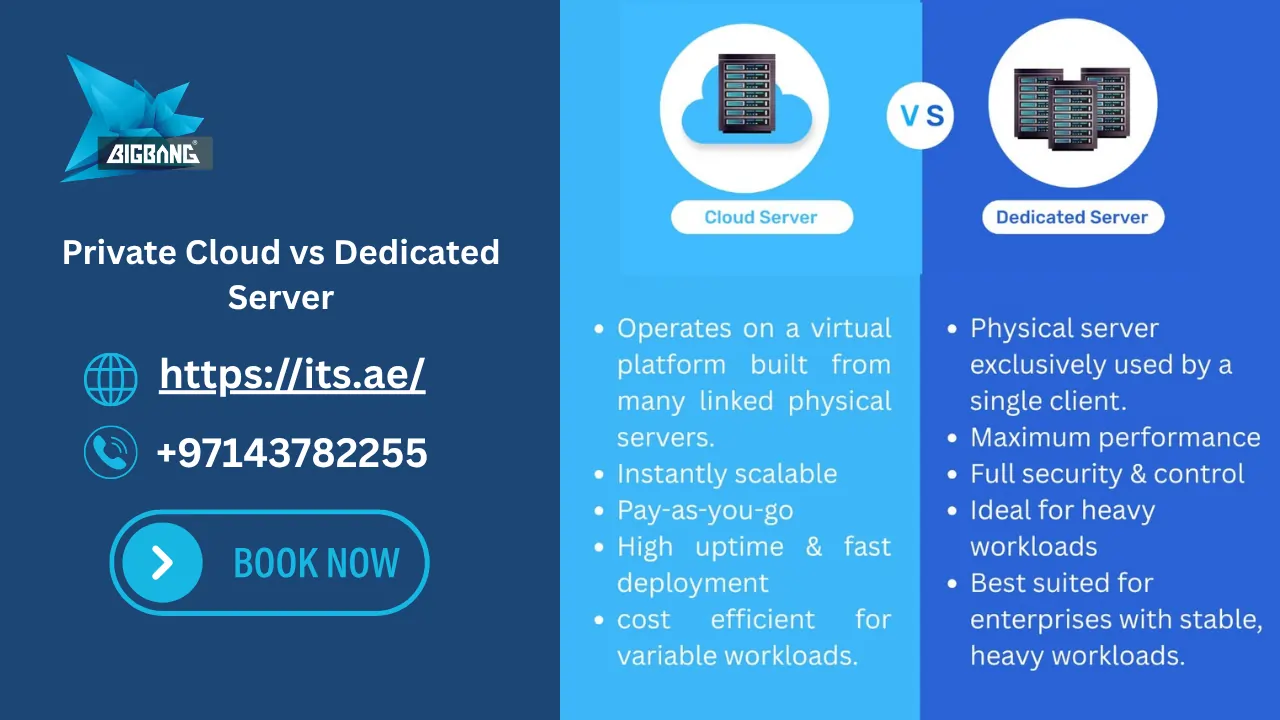
- In a private cloud
- Through hosted cloud infrastructure
IP Phones and Softphones
3CX supports:
- Physical IP phones
- Mobile softphones
- Desktop applications
- Browser-based calling
This flexibility allows employees to work from anywhere.
How Does 3CX SBC Work?
The Session Border Controller (SBC) helps securely connect remote IP phones and branch offices to the central PBX server.
The 3CX SBC:
- Simplifies firewall configuration
- Improves connection stability
- Reduces SIP communication issues
- Secures remote office deployments
Many UAE businesses with multiple branches use SBC deployment to maintain stable VoIP communication.
How Does 3CX App Work?
The 3CX mobile application allows employees to use their business extension directly from smartphones and desktop devices.
The app works through VoIP connectivity and securely connects users to the PBX server.
Employees can:
- Make business calls
- Receive calls remotely
- Transfer calls
- Access voicemail
- View presence status
- Join video conferences
- Manage customer communication
The app supports:
- Android
- iPhone
- Windows
- macOS
- Web browsers
This makes 3CX ideal for hybrid and remote work environments.
You can also learn how to set up voicemail on 3CX app to configure voicemail greetings, notifications, and mobile access properly.
What Is 3CX Used For?
Businesses use 3CX for many communication purposes, including:
- VoIP phone systems
- Customer support
- Call centers
- Internal communication
- Remote collaboration
- Video conferencing
- Live chat support
- WhatsApp business integration
- CRM integration
Small businesses and enterprises both use 3CX because it combines communication tools into one centralized platform.
For example, a UAE company with remote sales teams can use 3CX mobile apps and SIP trunk integration to allow employees to make and receive business calls securely from any location.
Key Features of the 3CX Phone System
The 3CX phone system includes advanced business communication features.
VoIP Calling
Businesses can make internet-based calls globally while reducing telecom costs.
Video Conferencing
Teams can host virtual meetings directly inside the platform.
Live Chat and WhatsApp Integration
3CX supports website live chat and WhatsApp business communication.
CRM Integration
The platform integrates with CRM systems to improve customer support workflows.
Call Recording and Reporting
Managers can monitor communication quality and generate detailed reports.
AI and Automation Features
Modern 3CX deployments support AI-powered workflow automation and advanced communication management.
How SIP Trunks Support 3CX
SIP trunks are essential for the operation of 3CX systems.
They allow businesses to:
- Connect external calls
- Replace traditional phone lines
- Scale communication infrastructure
- Reduce international calling costs
Businesses in UAE commonly integrate SIP trunks with:
- Cloud PBX systems
- Remote offices
- Enterprise call centers
- Multi-location deployments
Businesses looking to reduce communication costs can explore our guide on the cheapest SIP trunk for 3CX to compare providers and pricing options.
How Does 3CX Pricing Work?
One common question businesses ask is how does 3CX pricing work.
Unlike many phone systems that charge per user, 3CX pricing is usually based on:
- Number of simultaneous calls
- Hosting model
- License edition
- Enterprise features
This pricing structure can significantly reduce operational costs for growing businesses.
3CX Enterprise vs PRO
The PRO and Enterprise editions offer different feature levels.
The Enterprise edition includes:
- Advanced call center features
- Enhanced reporting
- Skill-based routing
- Advanced integrations
- Enterprise-level management tools
Businesses should choose the edition based on their communication requirements.
3CX License Comparison
Businesses can compare licenses based on:
- Concurrent calls
- Supported users
- Call center functionality
- Hosting requirements
- AI capabilities
- Reporting tools
Cloud PBX vs On-Premise 3CX
Businesses can deploy 3CX in different environments.
| Cloud PBX | On-Premise PBX |
| Remote accessibility | Local infrastructure control |
| Lower hardware costs | Full internal management |
| Easier scalability | Custom server configurations |
| Faster deployment | Dedicated hardware control |
Cloud deployment is becoming more popular among UAE businesses because it supports hybrid work environments.
Choosing the right deployment model depends on your infrastructure, remote workforce requirements, security policies, and business growth plans.
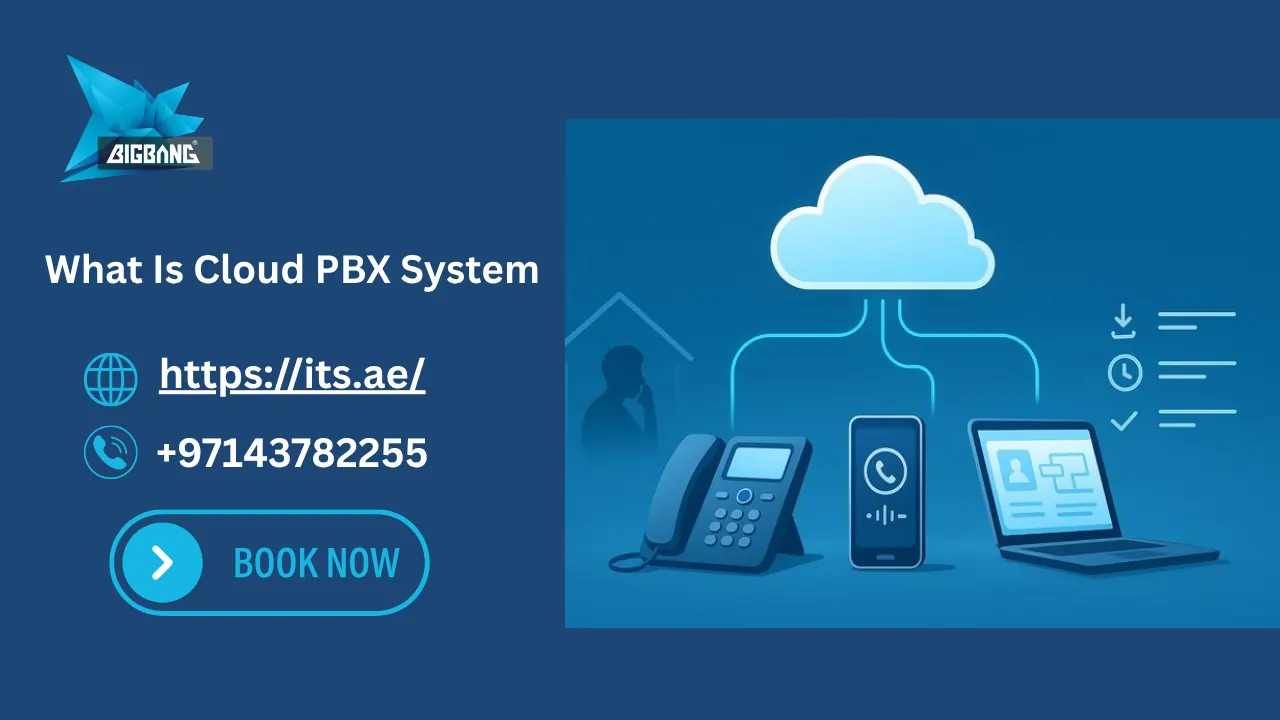
To better understand cloud infrastructure, read what is cloud PBX system and how it differs from traditional PBX deployments.
Benefits of Using 3CX for Businesses
Many companies ask: is 3CX any good?
The answer depends on business requirements, but 3CX offers several major advantages.
Benefits include:
- Lower communication costs
- Remote work support
- Mobile communication
- Unified communications
- Easy scalability
- SIP trunk integration
- CRM connectivity
- Cloud deployment flexibility
Businesses also benefit from simplified management and centralized communication control.
Main Components of a 3CX Phone System
| Component | Function |
| SIP Trunk | Connects external calls |
| PBX Server | Manages communication |
| IP Phones | Used for calling |
| Mobile App | Enables remote work |
| SBC | Secures remote connections |
| Voicemail | Stores missed calls |
Common Problems Businesses Face with 3CX
Although 3CX is highly flexible, businesses can still face technical issues.
Common challenges include:
- Firewall configuration errors
- SIP registration issues
- NAT problems
- Poor internet quality
- Audio delays
- Incorrect provisioning
Proper deployment and support help avoid these issues.
Many deployment problems happen because of incorrect firewall settings or poor SIP configuration. ITS UAE helps businesses deploy secure and optimized 3CX systems with ongoing technical support.
3CX Phone System How to Use
The 3CX phone system is designed to be user-friendly for employees and administrators.
Users can:
- Make calls
- Transfer calls
- Create conferences
- Access voicemail
- Use mobile apps
- Manage contacts
- View call history
Administrators can manage the entire communication infrastructure through a centralized dashboard.
3CX Phone System How to Transfer a Call
Users can transfer calls directly from:
- IP phones
- Mobile applications
- Desktop apps
- Web client interface
Both attended and blind transfer options are supported.
Is 3CX Better Than Traditional PBX?
Traditional PBX systems rely on physical phone infrastructure, while 3CX uses internet-based VoIP communication.
3CX offers:
- Lower operational costs
- Better scalability
- Remote work capabilities
- Mobile access
- Easier management
- Advanced integrations
This makes it more suitable for modern businesses.
Is 3CX Right for Your Business?
3CX is suitable for businesses that need:
- Remote work support
- Multi-branch communication
- Lower telecom costs
- Cloud PBX flexibility
- Mobile business communication
- Centralized call management
It is commonly used by:
- SMEs
- Customer support teams
- Healthcare organizations
- Real estate companies
- Logistics businesses
- Enterprise call centers
Why Businesses in UAE Choose 3CX
Businesses in UAE increasingly adopt 3CX because it supports:
- Cloud communication
- Remote offices
- SIP trunk integration
- Hybrid work
- International communication
- Centralized management
Companies can also integrate 3CX with local telecom infrastructure and hosted cloud environments.
How ITS UAE Helps Businesses Deploy 3CX
At ITS UAE, businesses can deploy secure and scalable 3CX communication systems tailored to their operational needs.
ITS UAE helps organizations with:
- 3CX installation
- SIP trunk configuration
- Cloud hosting
- PBX migration
- Security setup
- Remote office deployment
- Technical support
- Ongoing maintenance
Whether you need a cloud PBX system, SIP trunk integration, or enterprise VoIP deployment, ITS UAE helps businesses design, deploy, and manage secure 3CX communication environments tailored to operational requirements across UAE.
ITS UAE (Big Bang) is a certified 3CX partner in the Middle East, supporting businesses with the deployment, configuration, and optimization of 3CX communication systems across the region.
FAQs
How does the 3CX Phone System work?
3CX works by routing business calls over the internet using VoIP and SIP trunk technology through a centralized PBX server. The system connects IP phones, mobile apps, desktop clients, and web browsers to a single communication platform. Businesses can deploy 3CX on-premise or in the cloud, allowing employees to make and receive calls from any location.
Can 3CX work without internet?
No — 3CX requires an active internet connection to function, as it relies on VoIP protocols to transmit calls. Without internet, the system cannot process incoming or outgoing calls, access voicemail, or support remote extensions. Businesses should ensure a stable, high-quality internet connection for optimal 3CX performance.
What is the purpose of 3CX?
The purpose of 3CX is to replace traditional phone systems with a flexible, internet-based business communication platform. It allows companies to manage voice calls, video conferencing, live chat, WhatsApp, and CRM integration from a single unified system. This helps businesses reduce telecom costs, support remote teams, and improve customer communication.
Does 3CX give you a phone number?
3CX does not provide phone numbers directly — businesses obtain phone numbers through a SIP trunk provider and connect them to the 3CX system. The SIP trunk acts as the bridge between the 3CX PBX and the public telephone network. In the UAE, providers such as e& (Etisalat) and du offer SIP trunk services compatible with 3CX deployments.